Documentation menu
Teams
Teams groups people, repositories, services and Jira boards, so every number in Agile Analytics can be read per team. The Teams page shows each team's health, compares teams, and draws how the organisation fits together.
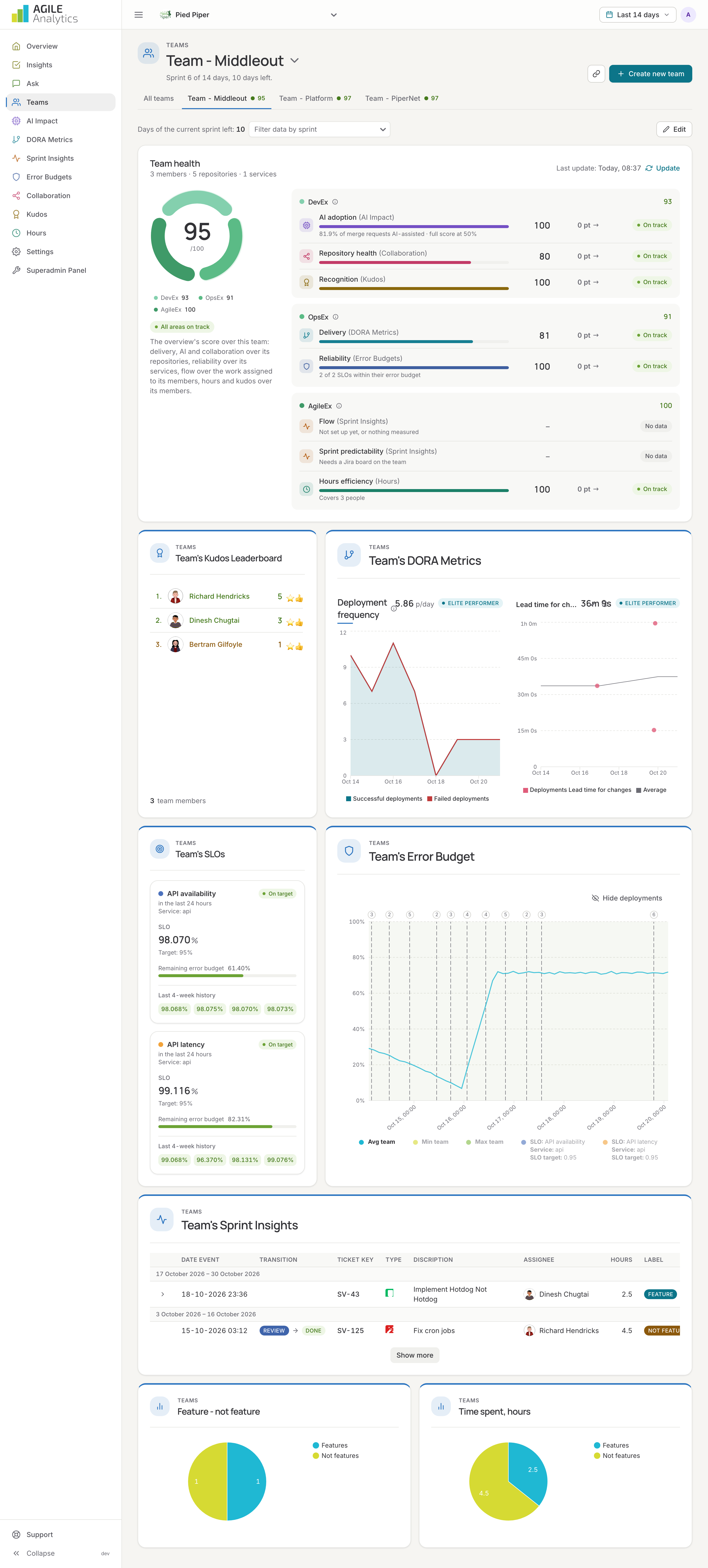
Creating a team
Press Create new team, give it a name and pick:
- Members: the users of your organisation in this team. A person can be in more than one team.
- Repositories: the repositories the team works in. Delivery, AI adoption and repository health are scored over these.
- Services: the services from the Error budgets page the team runs. Reliability is scored over their SLOs.
- Jira scrum boards: the boards whose closed sprints give the team's sprint predictability. If no boards show up, reconnect Jira under Settings → Sprint insights so Agile Analytics may read boards.
- Sprint: an optional sprint schedule, when the team's sprints differ from the organisation's.
You can also let the assistant draft a team from a question on the Ask page, then complete it here.
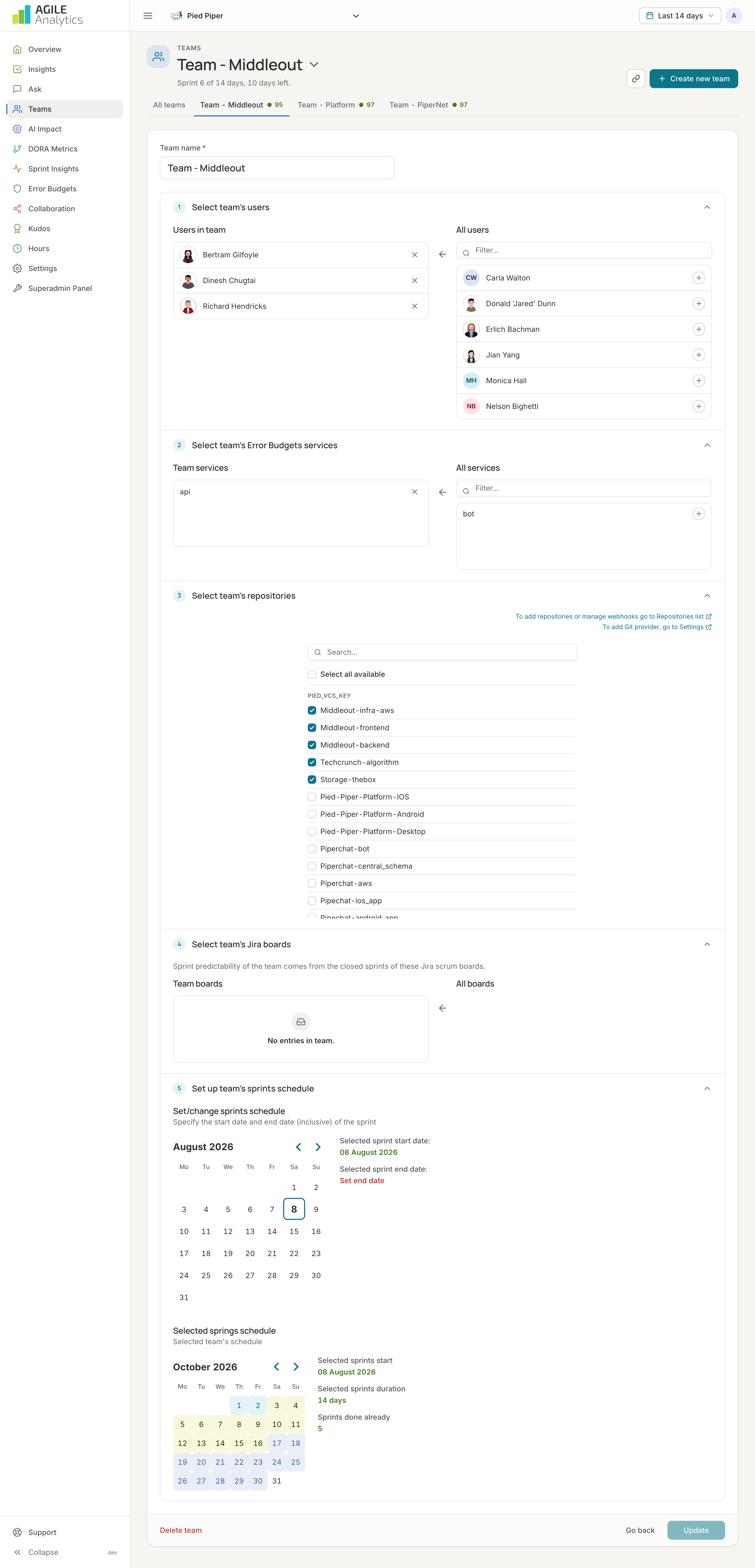
Team health
Each team page starts with the same ring as the overview, scored over the team: delivery, AI adoption and repository health over its repositories; reliability over its services; flow over the work assigned to its members in Jira; sprint predictability over its boards; recognition over its members. The team's report is made every night; press Update for a fresh one. Below the ring come the team's kudos, DORA metrics, sprint insights and error budgets.
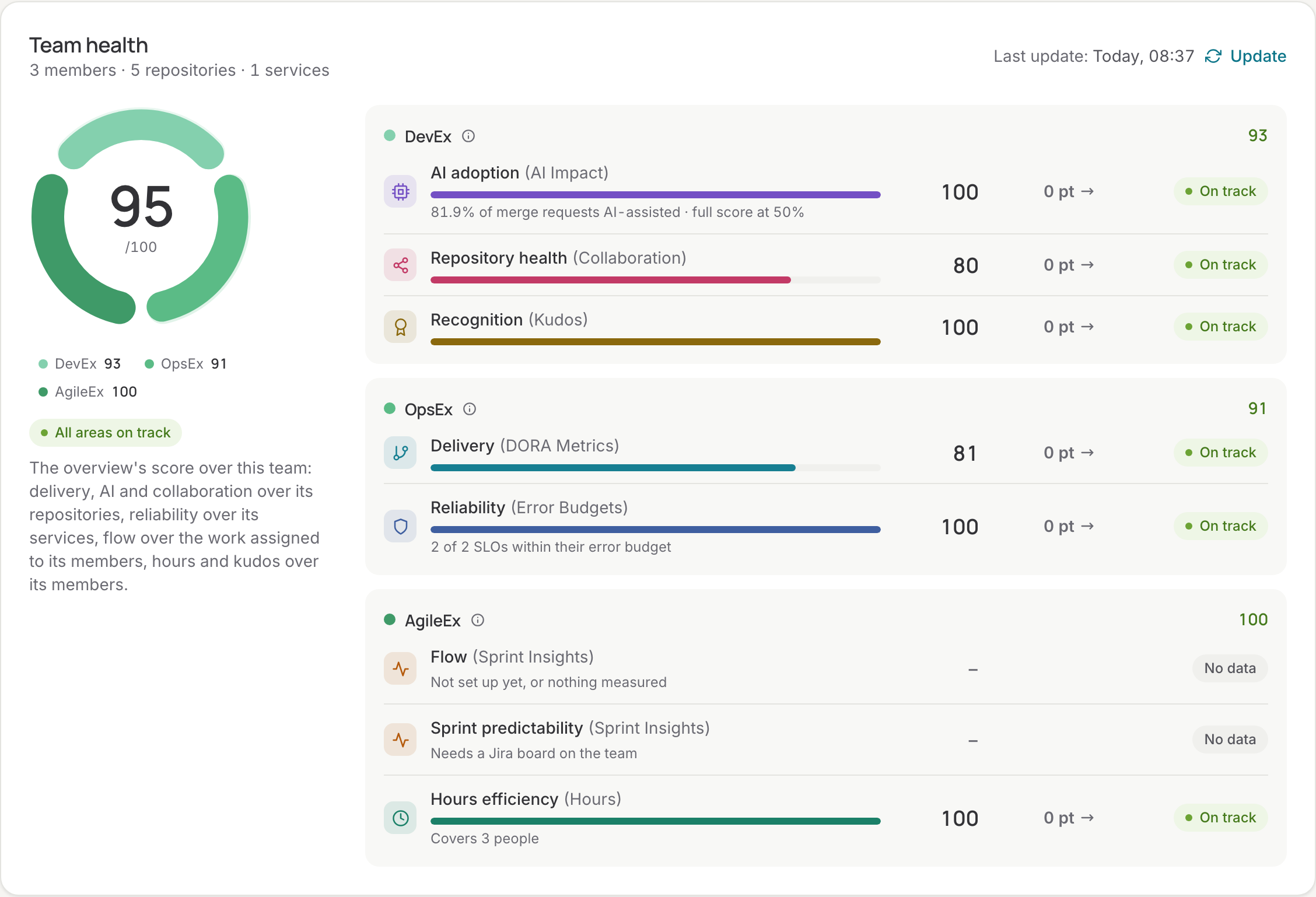
The team name at the top is a menu: switch to another team, filter by name, and copy a link that opens this team directly. The tabs next to it show every team with its score.
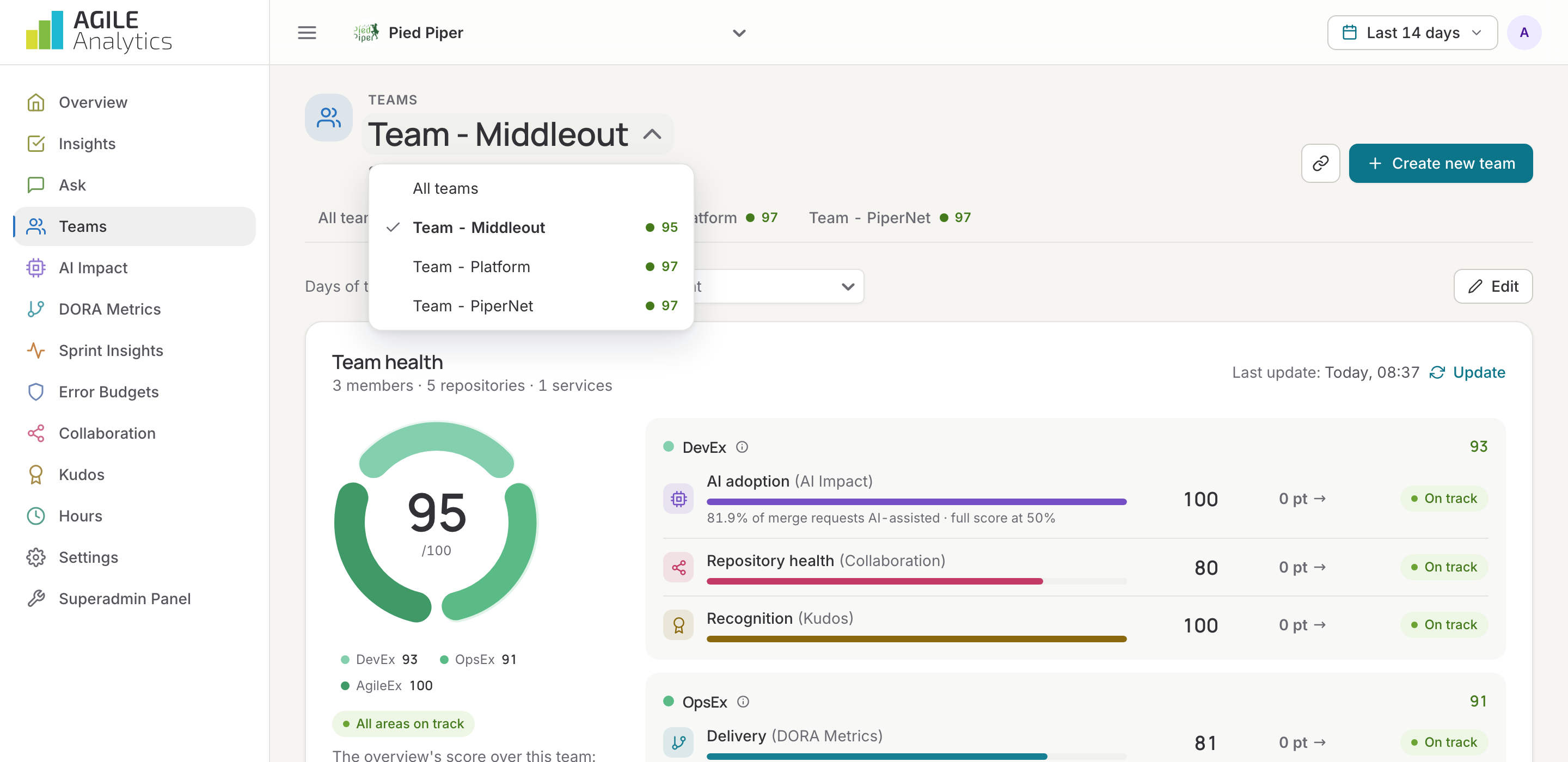
All teams
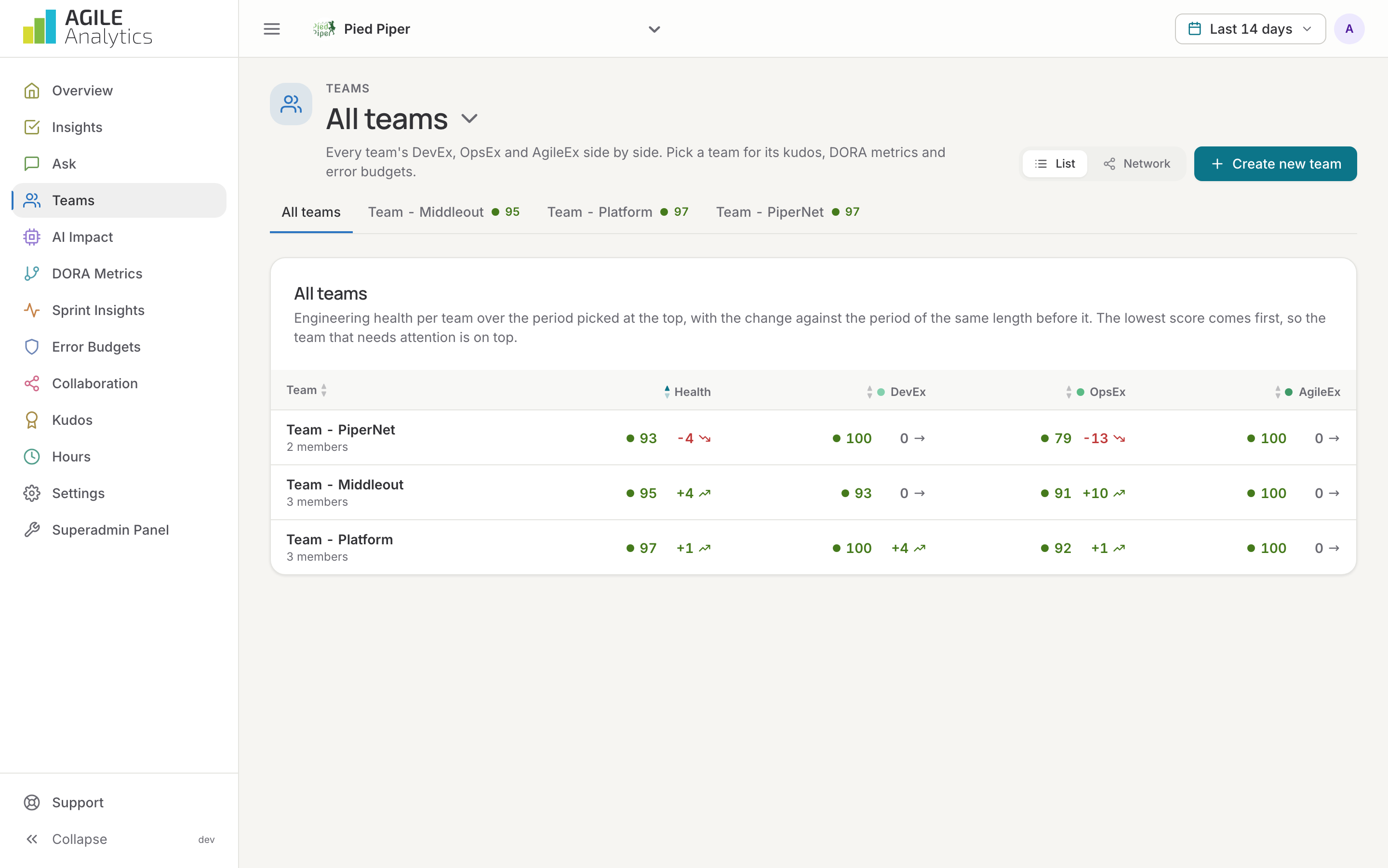
With more than one team, the first tab is All teams: every team's health, DevEx, OpsEx and AgileEx side by side over the period picked at the top, with the change against the period of the same length before it. The lowest score comes first, so the team that needs help most is at the top. Sort by any column, and click a row to open that team.
Network
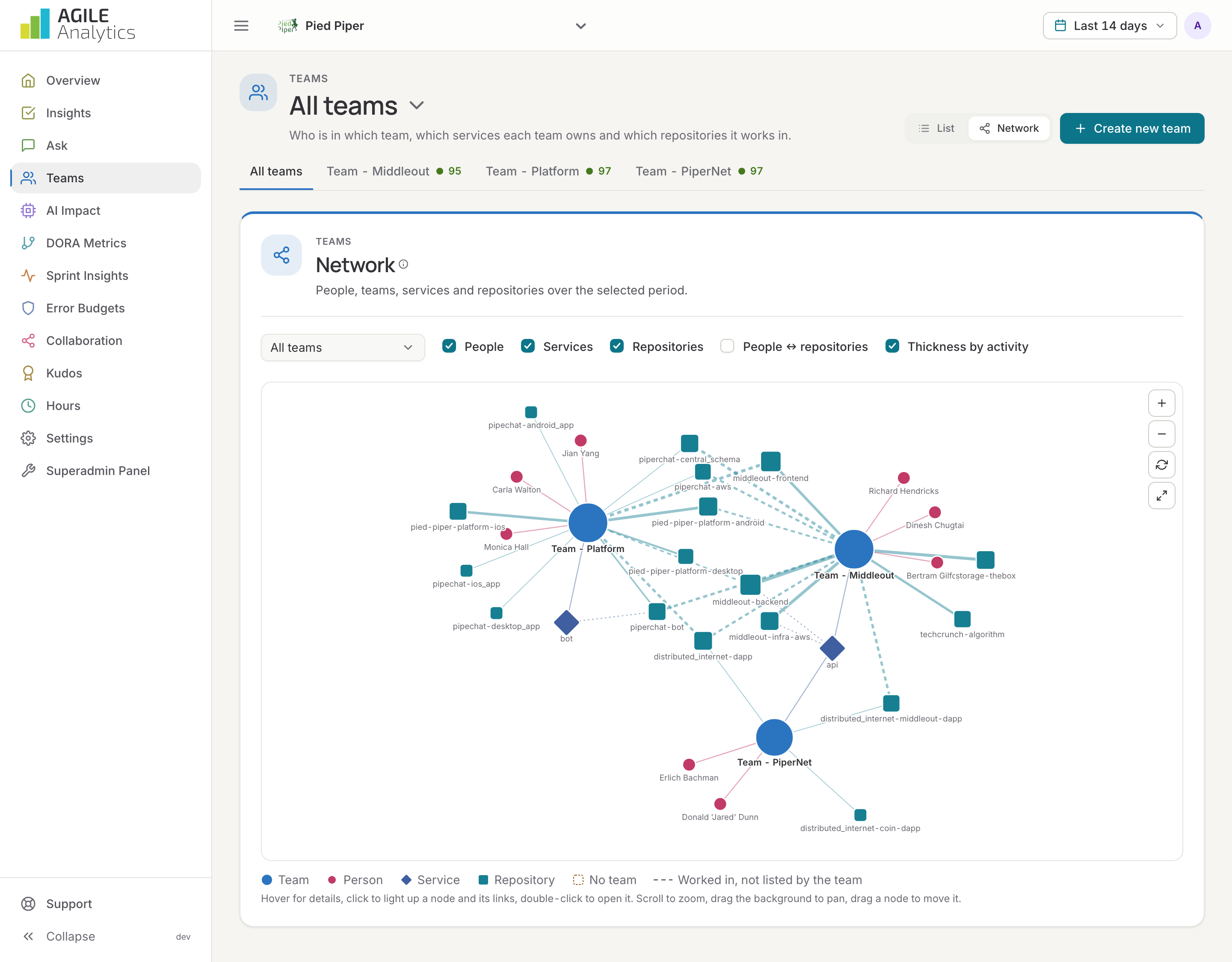
Switch the All teams view to Network for a diagram of people, teams, services and repositories over the selected period. Members and services come from the team settings. A team works in a repository it lists (solid line) or where its members merged or committed in the period (dashed line). Loose nodes belong to no team. Hover for details, click to light up a node and its links, double-click to open it. Show or hide people, services and repositories, show people's contributions to repositories, and weight the lines by activity.
The What stands out list names the people in more than one team, repositories and services without a team, and teams with far more services and repositories than the rest.
Sprint report
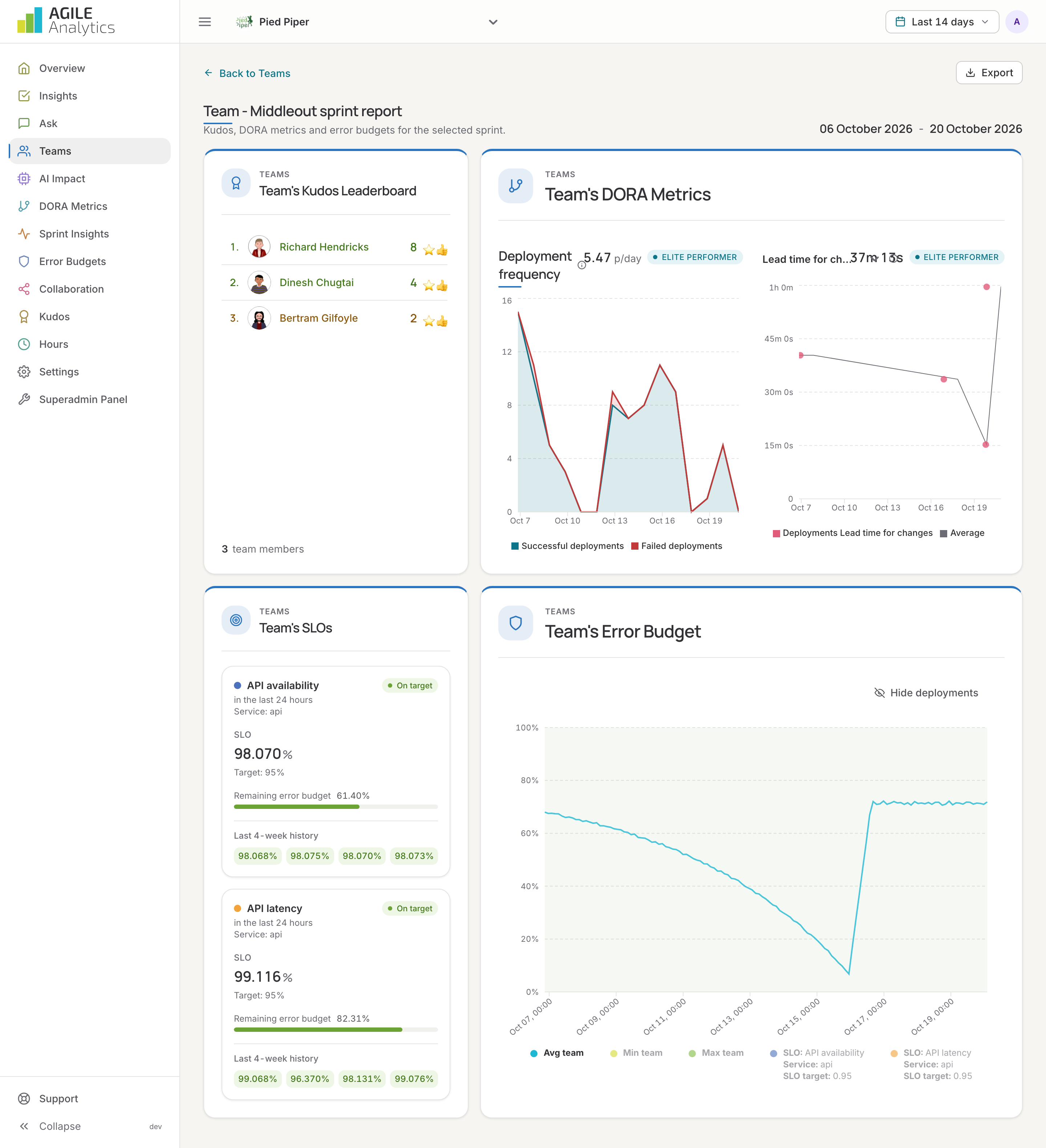
From a team's sprint insights, each sprint opens its sprint report with the committed, added and done items, and a link to the same sprint in Jira.
Where teams are used
- The overview's organisation menu shows the score of one team.
- The weekly e-mail sends every member the overview of their teams.
- Kudos, DORA metrics, error budgets and sprint insights can be filtered by team.
- Insights can be read per team.