Documentation menu
Repositories and groups
Once a Git provider is connected, choose which repositories Agile Analytics follows. Follow single repositories, or whole groups so that repositories created later are picked up on their own.
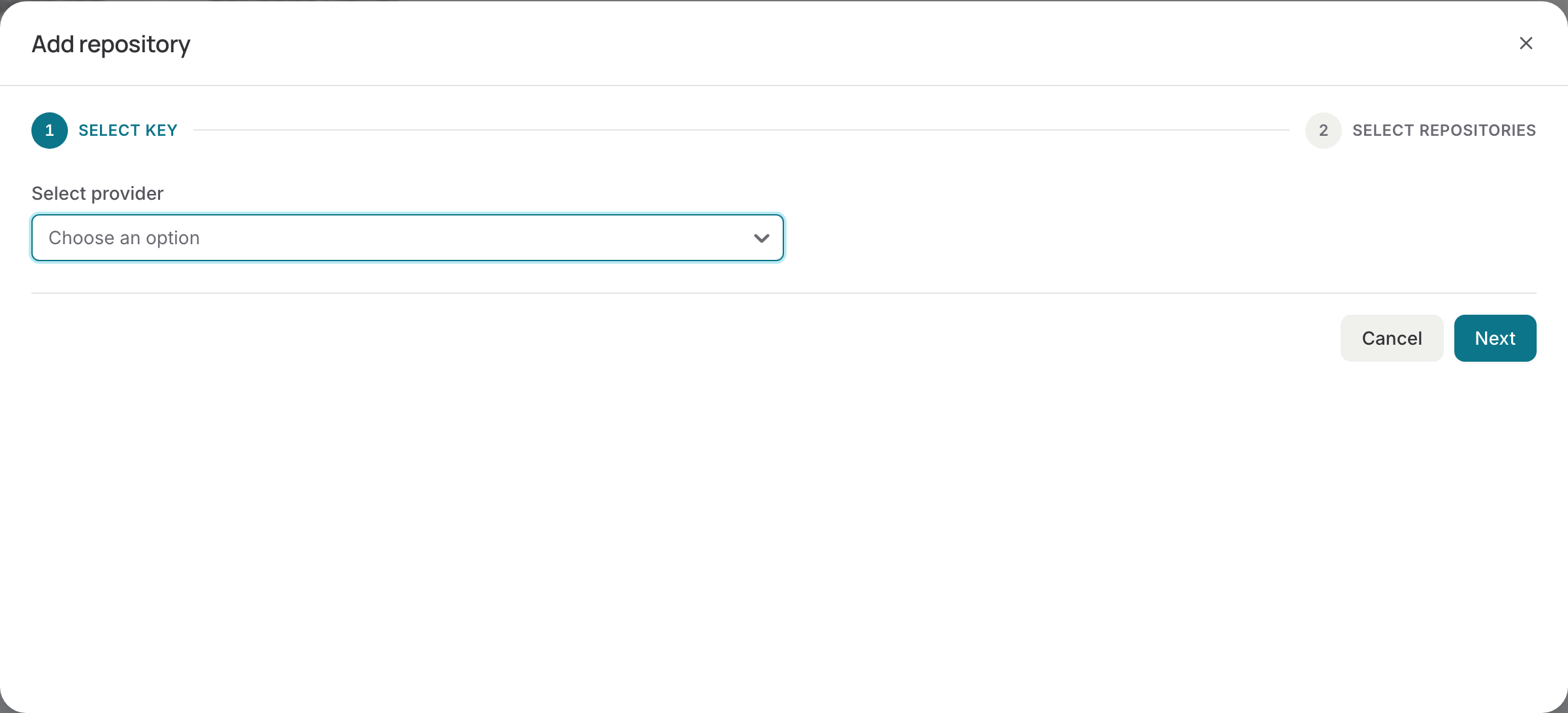
Selecting repositories
- Open the DORA metrics page and press Add repository.
- Pick the Git provider and press Next. If the list is empty, connect a provider first: Connect.
- Tick the repositories, grouped by organisation, group or workspace. Use the search to find one.
- Press Finish. Nothing is saved until you do.
Agile Analytics creates a webhook on every selected repository, so merges, pipelines and jobs arrive as they happen. The repositories list on the DORA metrics page shows each one with its webhook status, branches and last jobs; a repository whose webhook could not be created shows Create webhook to try again. Repositories without a webhook are not included in the metrics.
Following a group
Switch on Follow next to a group, organisation or workspace in the same dialog to select every repository in it, including sub-groups and repositories created later. Agile Analytics checks followed groups twice a day and adds new repositories with their webhook. Repositories selected through a group are locked in the list; switch Follow off to pick them one by one again. Following never deselects anything.
Removing a repository
Untick it in the dialog, or remove it from the repositories list. Its webhook is deleted and it leaves the metrics; the events read so far stay in the history.
Where the selection is used
Everything that reads Git uses this selection: the DORA metrics and CI queue time, AI impact, Collaboration, team repositories and the assistant. Pick the repositories to see on the DORA metrics page with the repositories filter; the selection decides what is read at all.