Documentation menu
Connect Google Cloud Monitoring
Google Cloud Monitoring is a data source for error budgets: Agile Analytics reads your metrics every 30 minutes and measures each SLO against them.
1. Create a service account
- In the Google Cloud console, open IAM & Admin → Service accounts in the project that holds the metrics and create a service account, for example agile-analytics-slo.
- Give it the Monitoring Viewer role on the project. Nothing else is needed; Agile Analytics only reads.
- Open the account, go to Keys → Add key → Create new key, choose JSON and download the file.
2. Add the data source
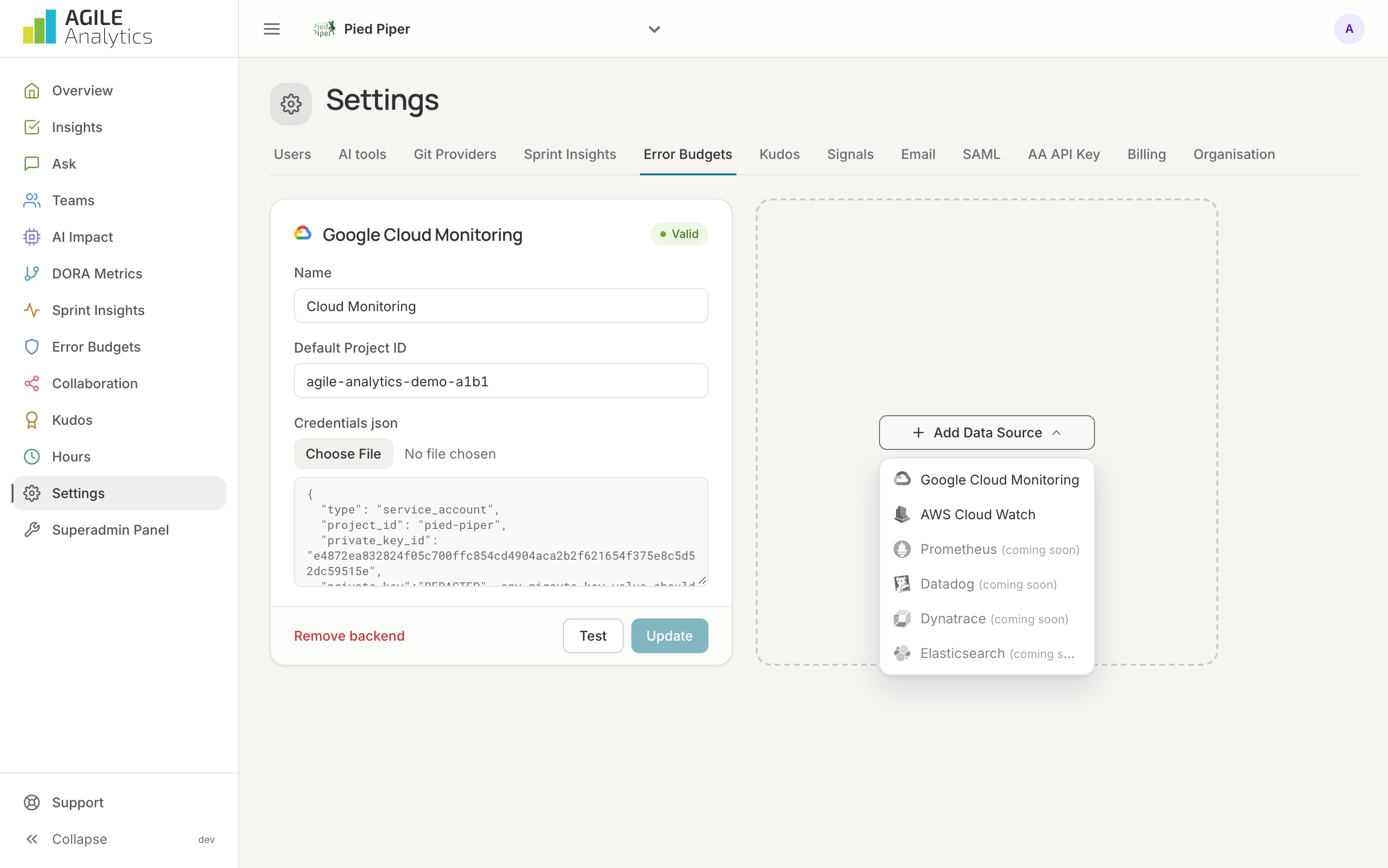
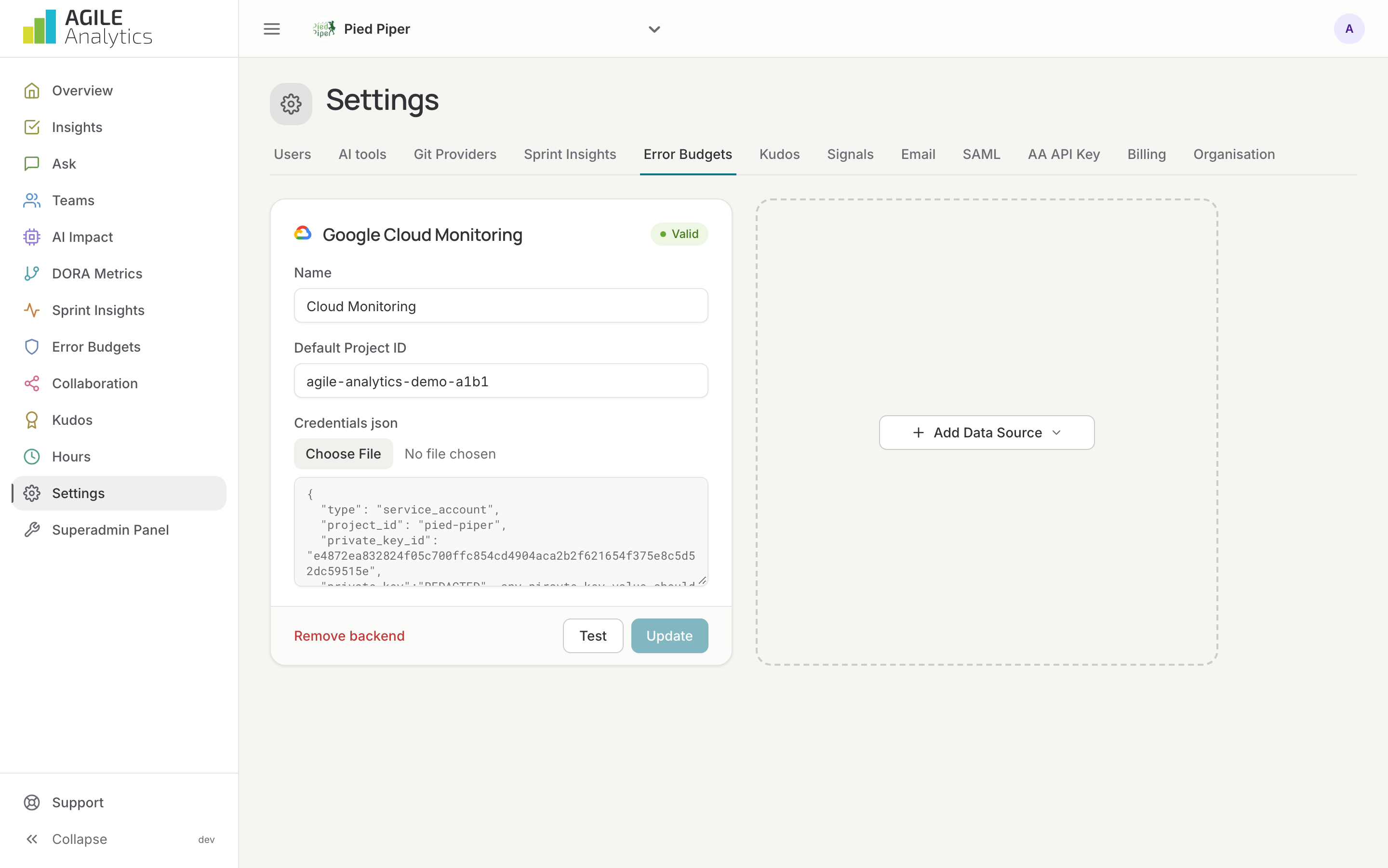
- In Agile Analytics, go to Settings → Error Budgets, press Add Data Source and choose Google Cloud Monitoring.
- Give it a name, enter the Project ID (Cloud console → the project's dashboard, or Manage resources) and upload the Credentials JSON.
- Press Test to check the credentials, then Save.
3. Add services and SLOs
Continue on the Error budgets page: Error budgets. The filters of an SLO use Cloud Monitoring's filter syntax; examples are on that page.
Replacing the key
Upload a new JSON on the existing card and press Update backend. All SLOs on this data source use the new key from the next measurement.