Documentation menu
Settings reference
Settings is the last item in the sidebar. Its tabs, in order, with what each one holds. Most tabs can be read by everyone; changing them needs the admin role.
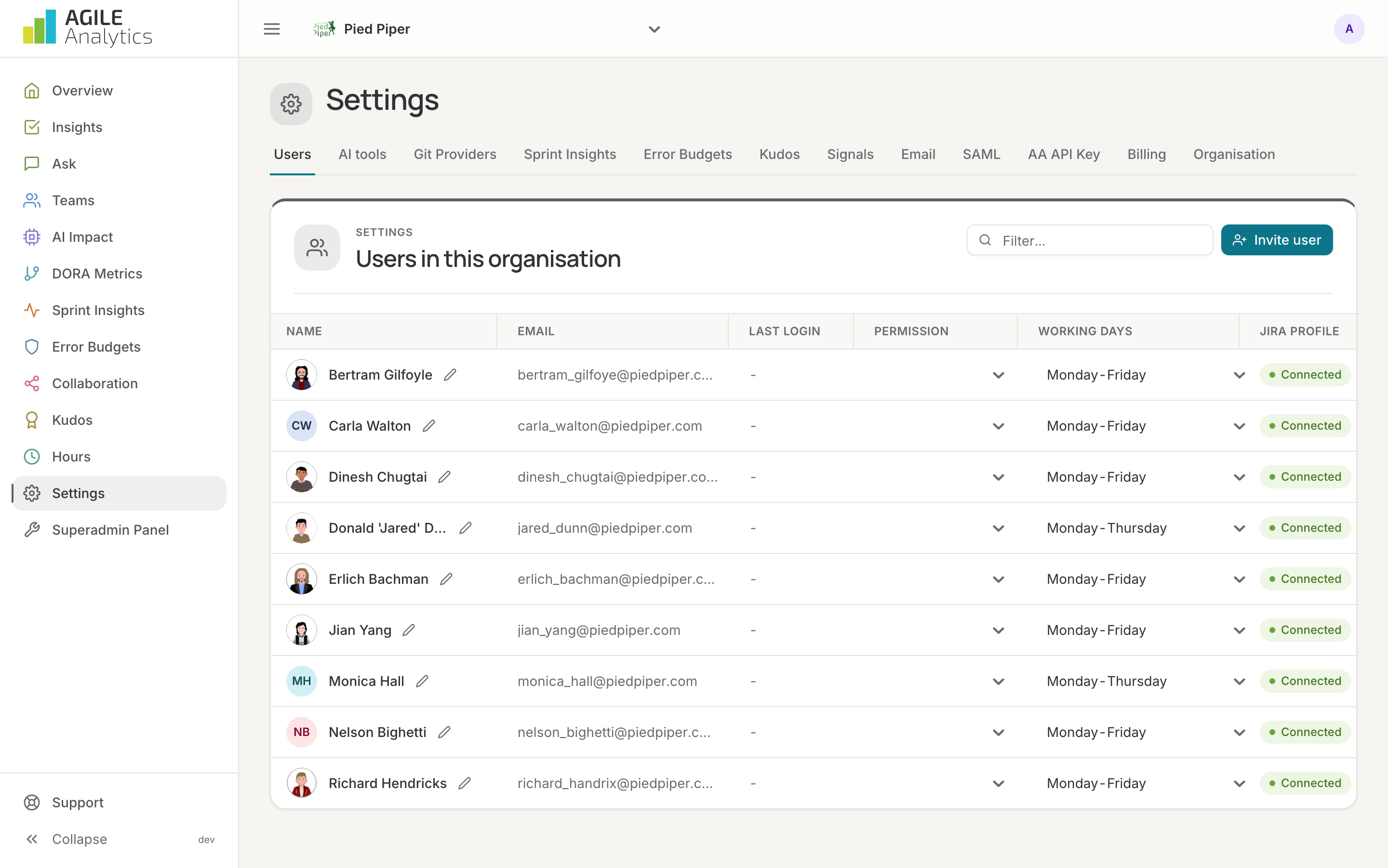
Users
Everyone in the organisation: photo, name, e-mail, last login, permission (read, write or admin), hours per week, working days and Jira profile. Invite user sends an invitation e-mail with a link that is valid for seven days; pending and expired invitations are listed with resend and withdraw. Connect links a user's Jira profile, so their tickets count in flow and inferred hours. Merge into another user joins two records of the same person: their Jira and Slack accounts, booked hours, projects, kudos, teams and Git identities move to the user you keep. Working days set the contract hours used in billability. See Invite your team.
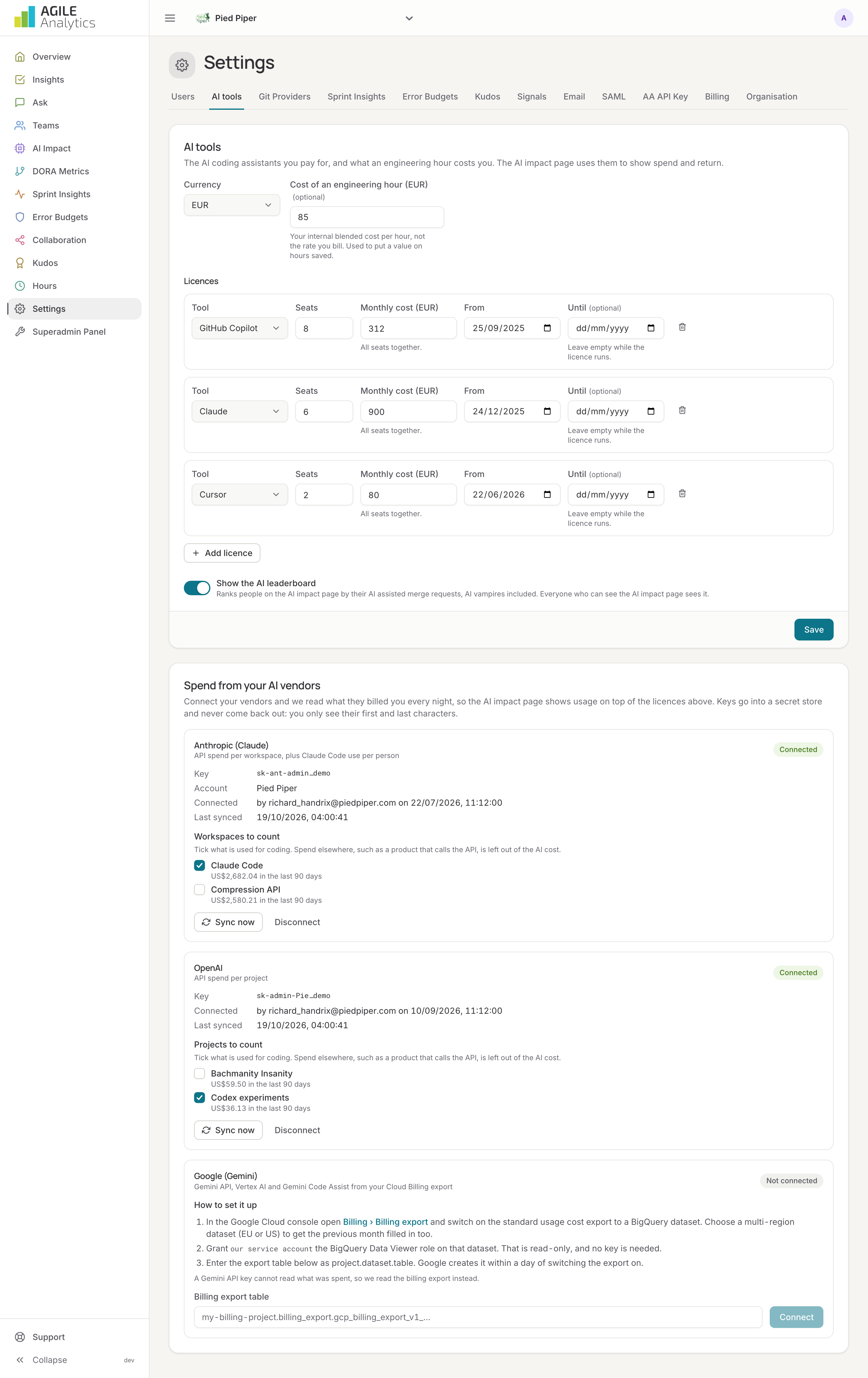
AI tools
The AI coding assistants you pay for and what an engineering hour costs you. Licences: tool, seats, monthly cost for all seats, from and until. Cost of an engineering hour: your internal blended cost, used to put a value on hours saved. Show the AI leaderboard switches the per-person ranking on the AI impact page on or off. Spend from your AI vendors connects Anthropic, OpenAI and Google so metered spend is read every night: see Connect AI vendors.
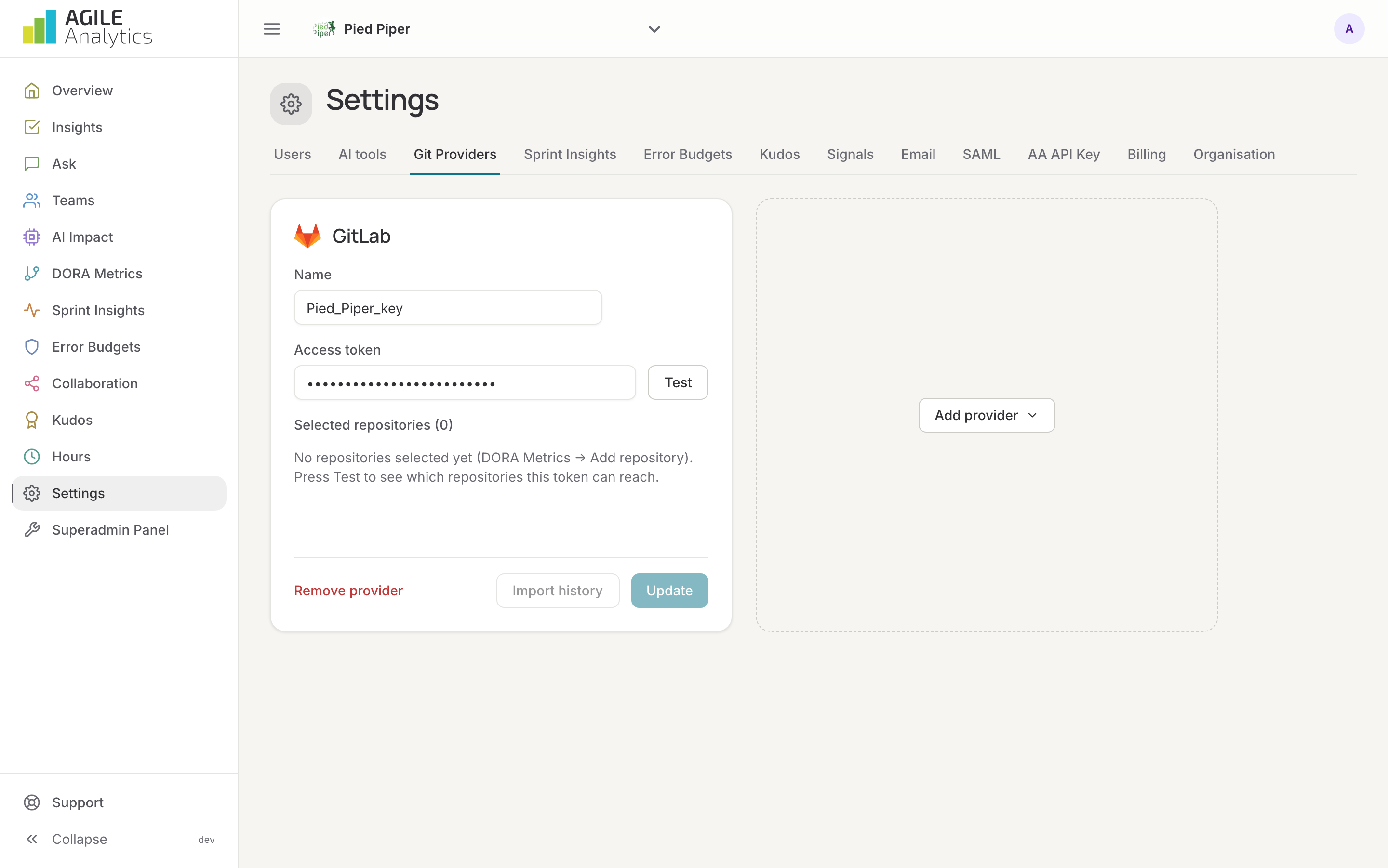
Git providers
The GitHub, GitLab and Bitbucket Cloud connections: name, token (and for Bitbucket the Atlassian account e-mail), the repositories the token can reach and the ones selected. Test checks the token, Import history loads this year's merge or pull requests of the selected repositories. See Connect.
Sprint insights
The ticket feed: connect or reconnect Jira, and create its webhook. Reconnect when Jira asks for new permissions, for example to read boards or to create issues from insights. See Connect Jira.
Error budgets
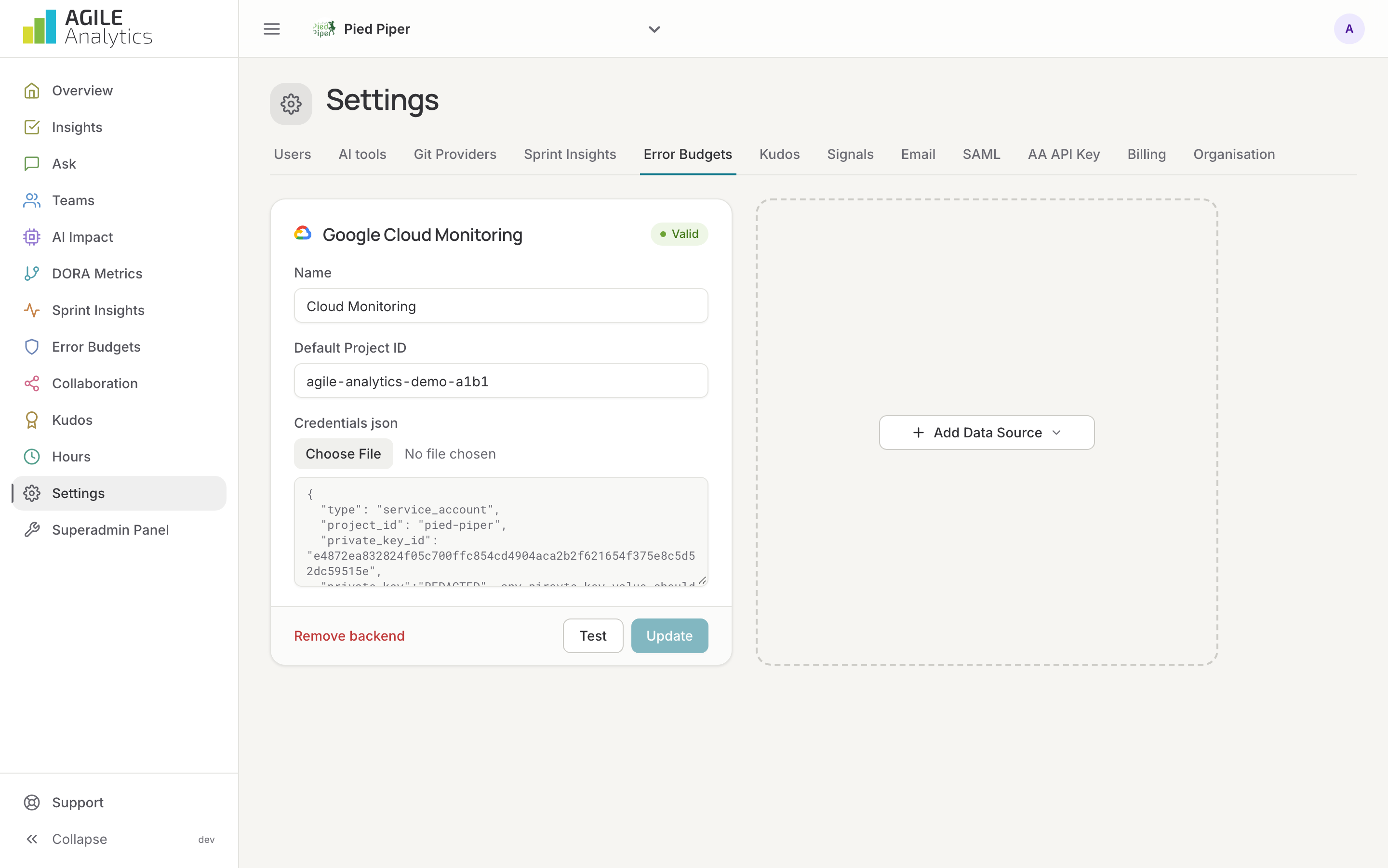
The monitoring backends that hold your metrics: Google Cloud Monitoring and AWS CloudWatch, with Test to check the credentials. Services and SLOs themselves are managed on the Error budgets page.
Kudos
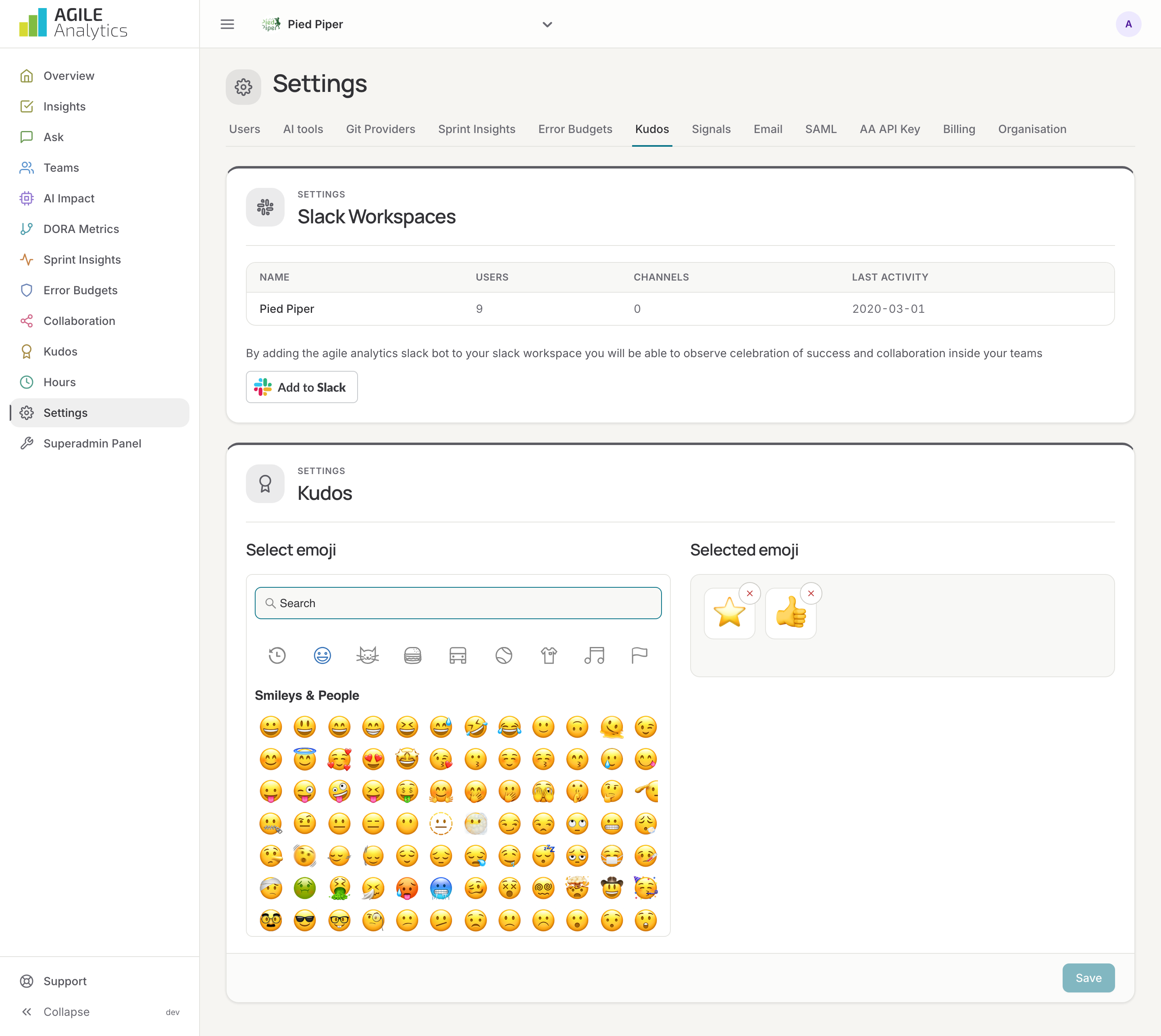
The Slack workspaces connected with Add to Slack, with their users, channels and last activity, and the emoji the bot counts as kudos. Needs an API key (see below). See Connect Slack.
Signals
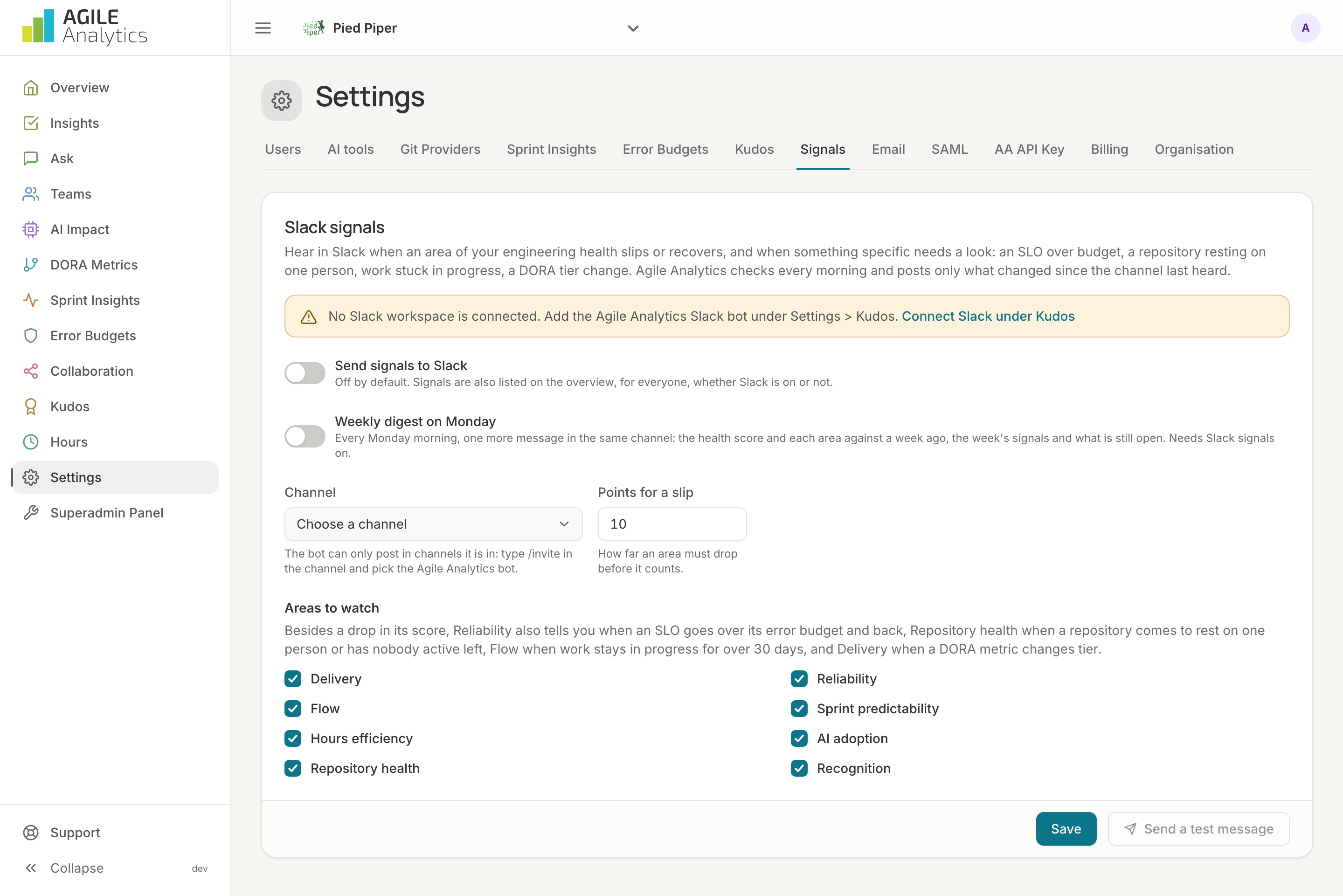
Posting signals to Slack: on or off, the channel, the points an area must drop, the areas to watch, a test message and the Monday digest. See E-mail and signals.
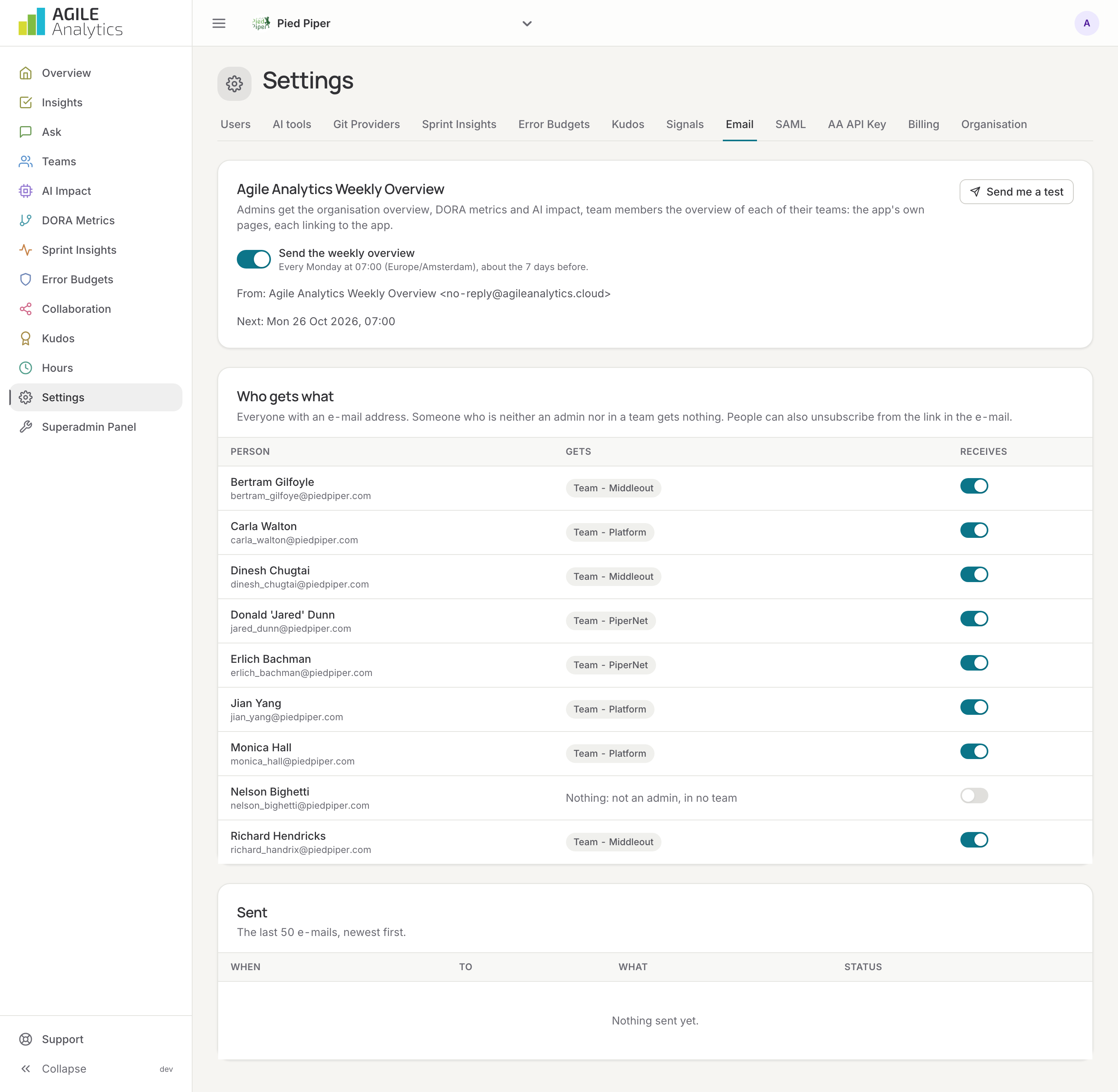
The weekly overview e-mail: on or off, next send, a test to yourself, who gets what, and the log of sent e-mails.
SAML
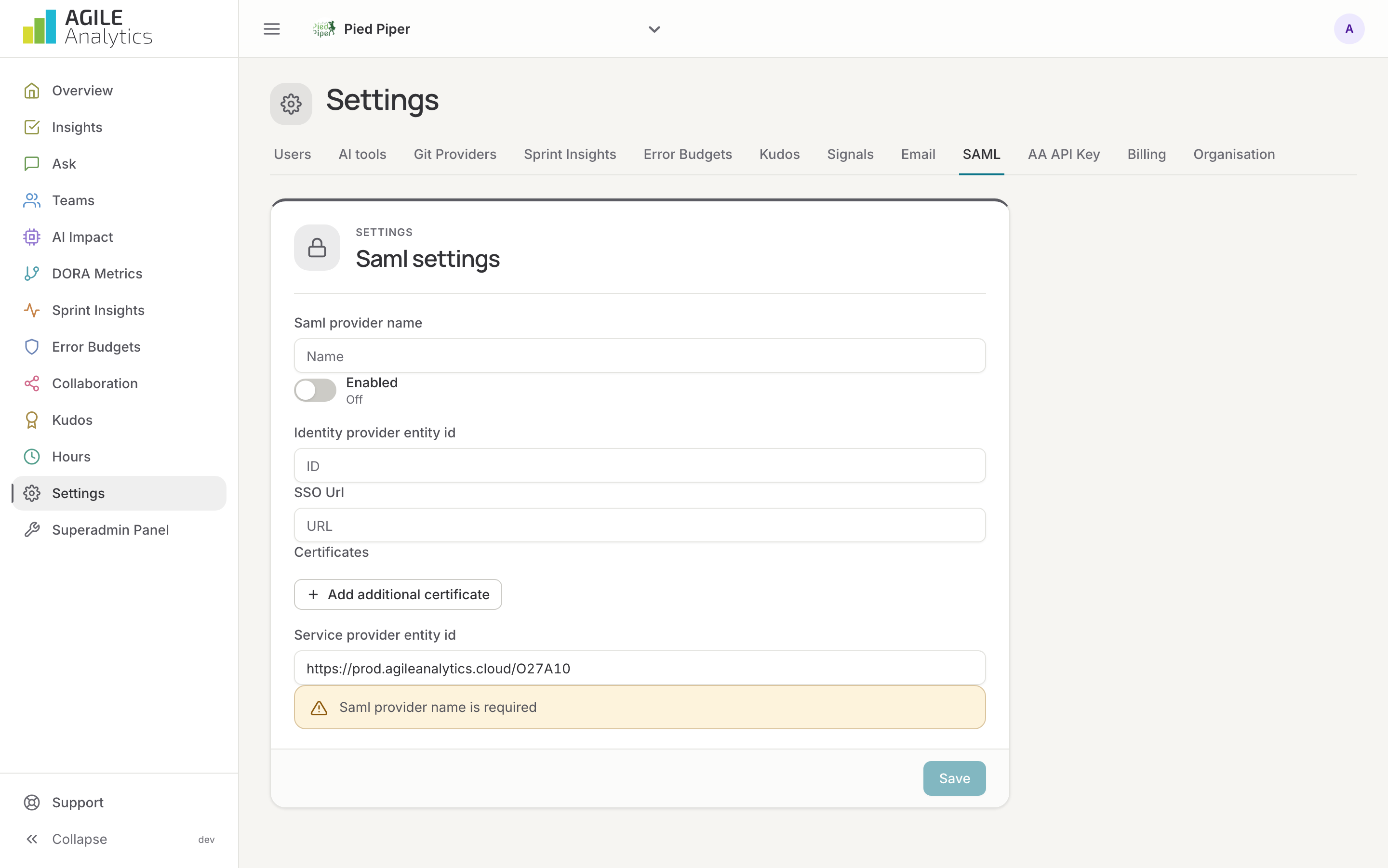
Single sign-on with your identity provider: provider name, identity provider entity ID, SSO URL, certificates and the service provider entity ID. See SAML single sign-on.
AA API Key
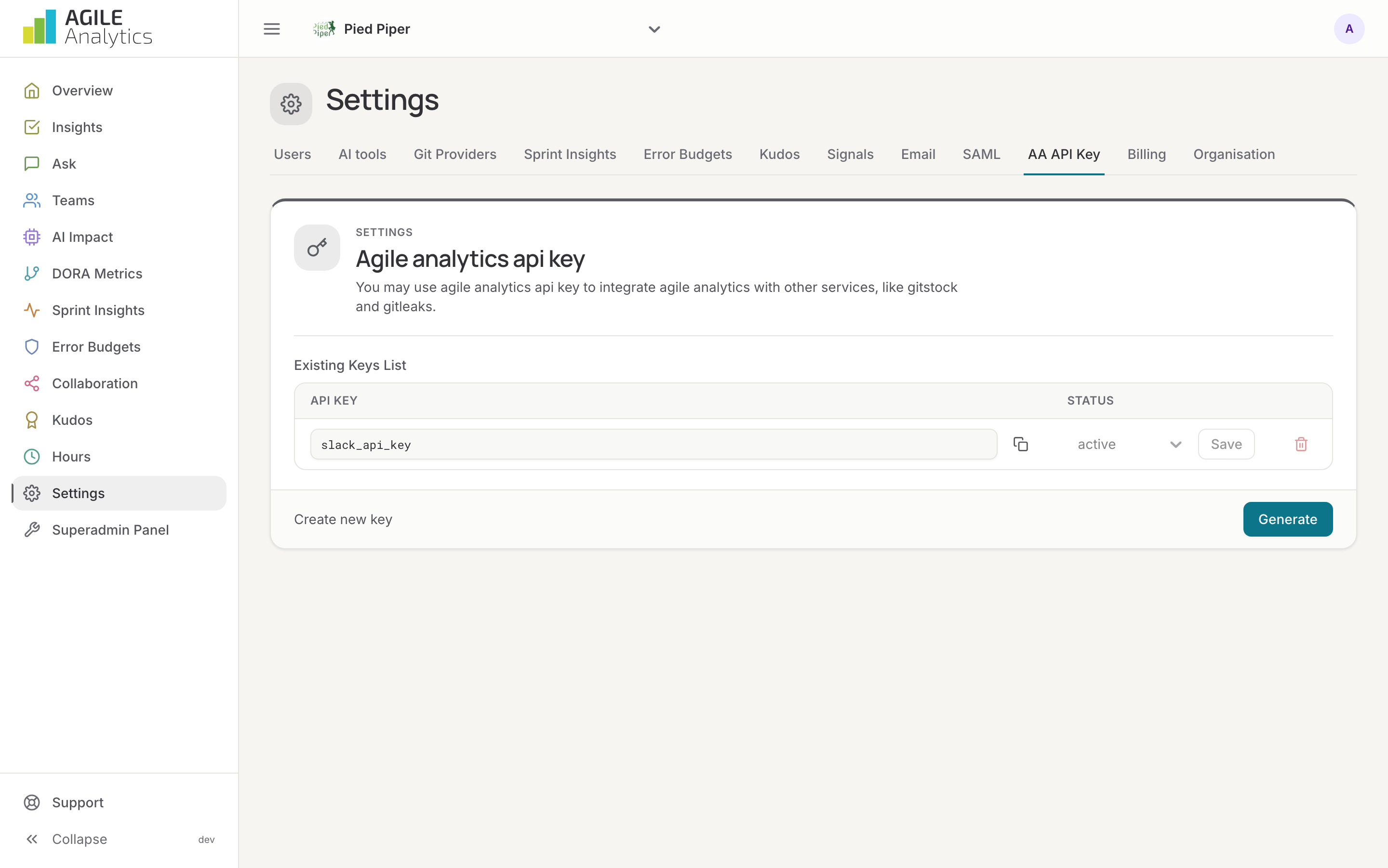
The organisation's API keys, up to ten, each active or inactive. The Slack app uses one to read your data. See API keys.
Billing
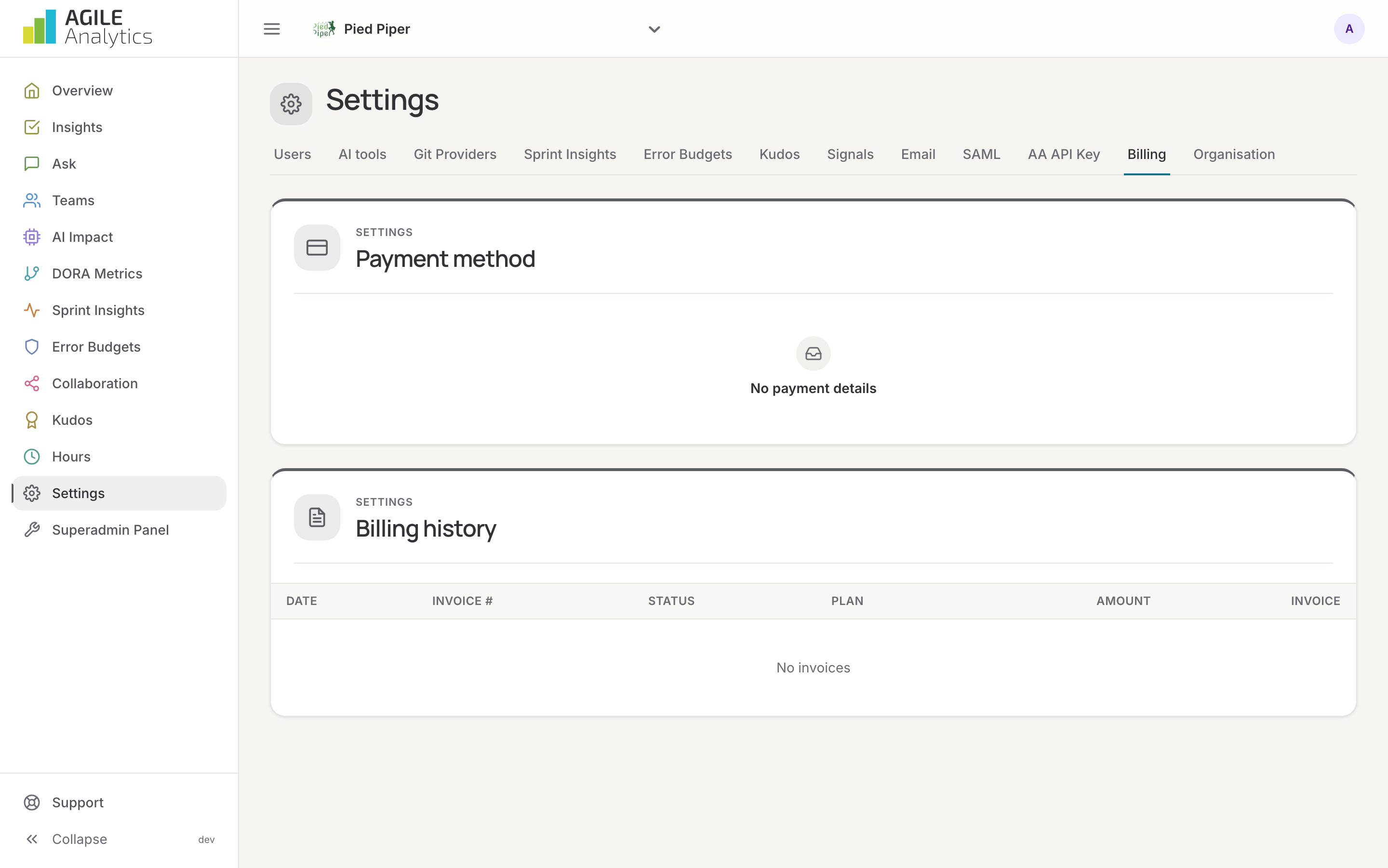
Payment method, billing address and financial contact, and the billing history with invoices as PDF.
Organisation
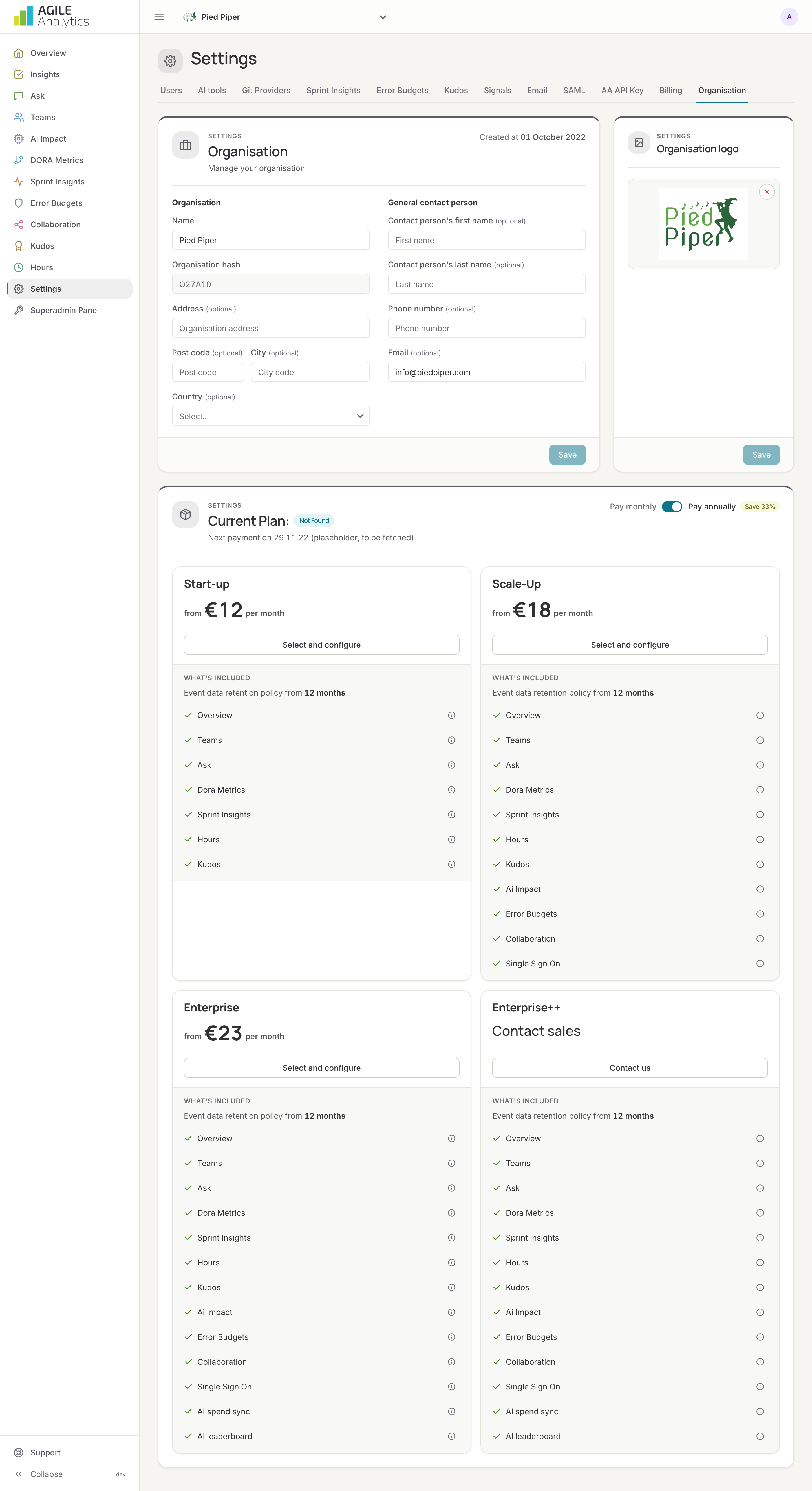
The organisation's contact person, address and logo, and the plan: what is included, when it was created and when it expires. See Plans.
User settings
Your own profile is under your avatar at the top of the sidebar: photo, name, e-mail, language (English or Dutch) and a password reset.