Documentation menu
Connect GitHub
Agile Analytics reads GitHub with a personal access token. The token's owner needs admin rights on the repositories you want to follow, because Agile Analytics creates a webhook on each of them.
1. Create a token
- In GitHub, open Settings → Developer settings → Personal access tokens.
- Create a token that can read the repositories, their pull requests, commits and workflow runs, and manage their webhooks. For a classic token that is the
repoandadmin:repo_hookscopes; for a fine-grained token, read access to contents, pull requests, metadata and actions, and read and write access to webhooks, on the repositories you will follow. - Give it a name such as Agile Analytics and an expiry; set a reminder to replace it before it expires. Copy the token: GitHub shows it once.
2. Add GitHub to Agile Analytics
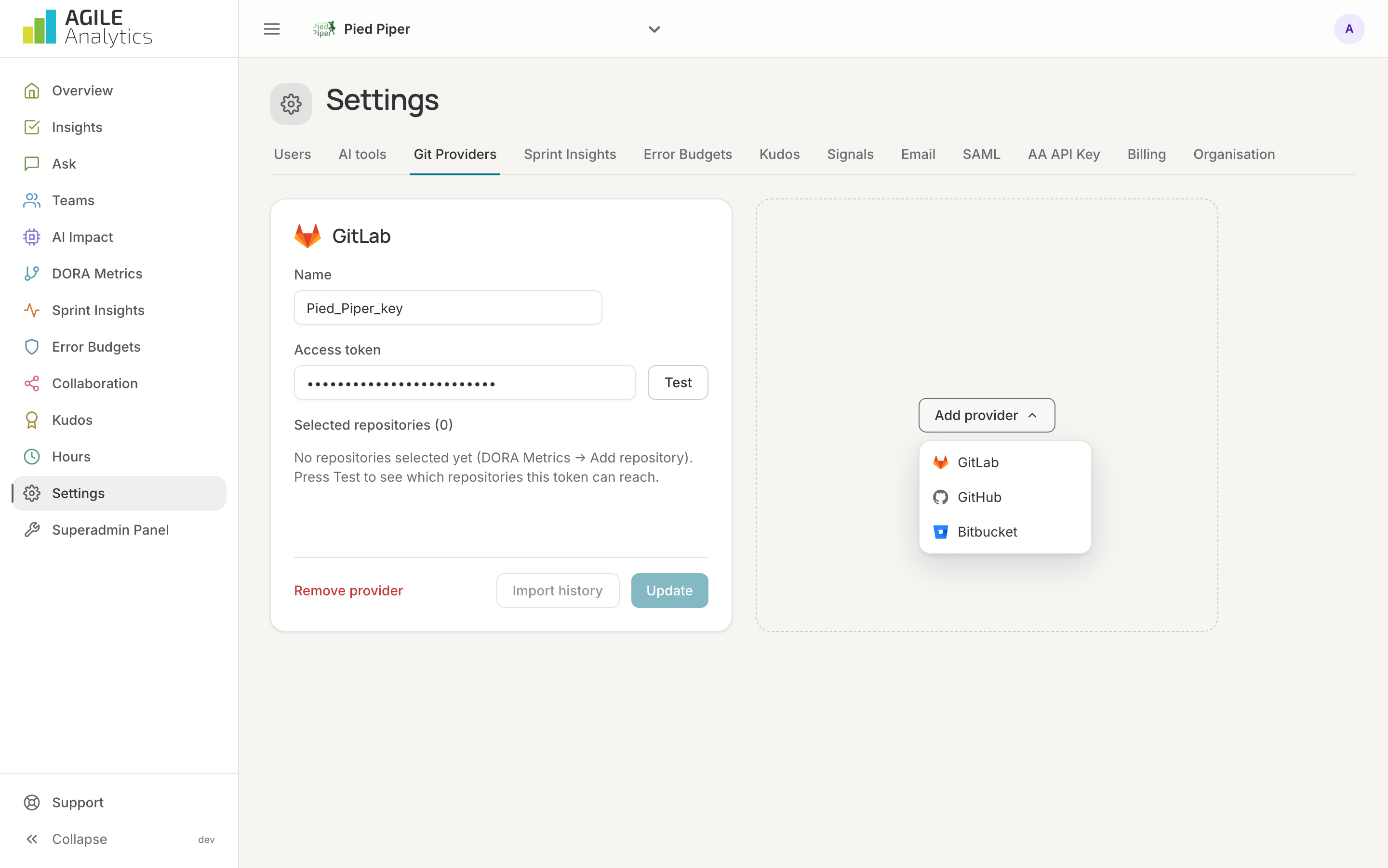
- Go to Settings → Git Providers, press Add provider and pick GitHub.
- Give the connection a name and paste the token.
- Press Test. The card lists the repositories the token can reach. Press Save.
3. Select repositories
Pick the repositories or follow whole organisations: Repositories and groups. A webhook is created on each one, so pull requests, merges and workflow runs arrive as they happen.
4. Import the history
Webhooks only bring in what happens from now on. Press Import history on the GitHub card to load the pull requests of the selected repositories since 1 January of this year. It is safe to run again, for example after selecting more repositories.
Replacing a token
Paste the new token in the existing card and press Update. The selected repositories and their history stay.