Documentation menu
API keys
An API key lets other software read your organisation's data: the Slack app uses one, and so can your own scripts against the Agile Analytics API.
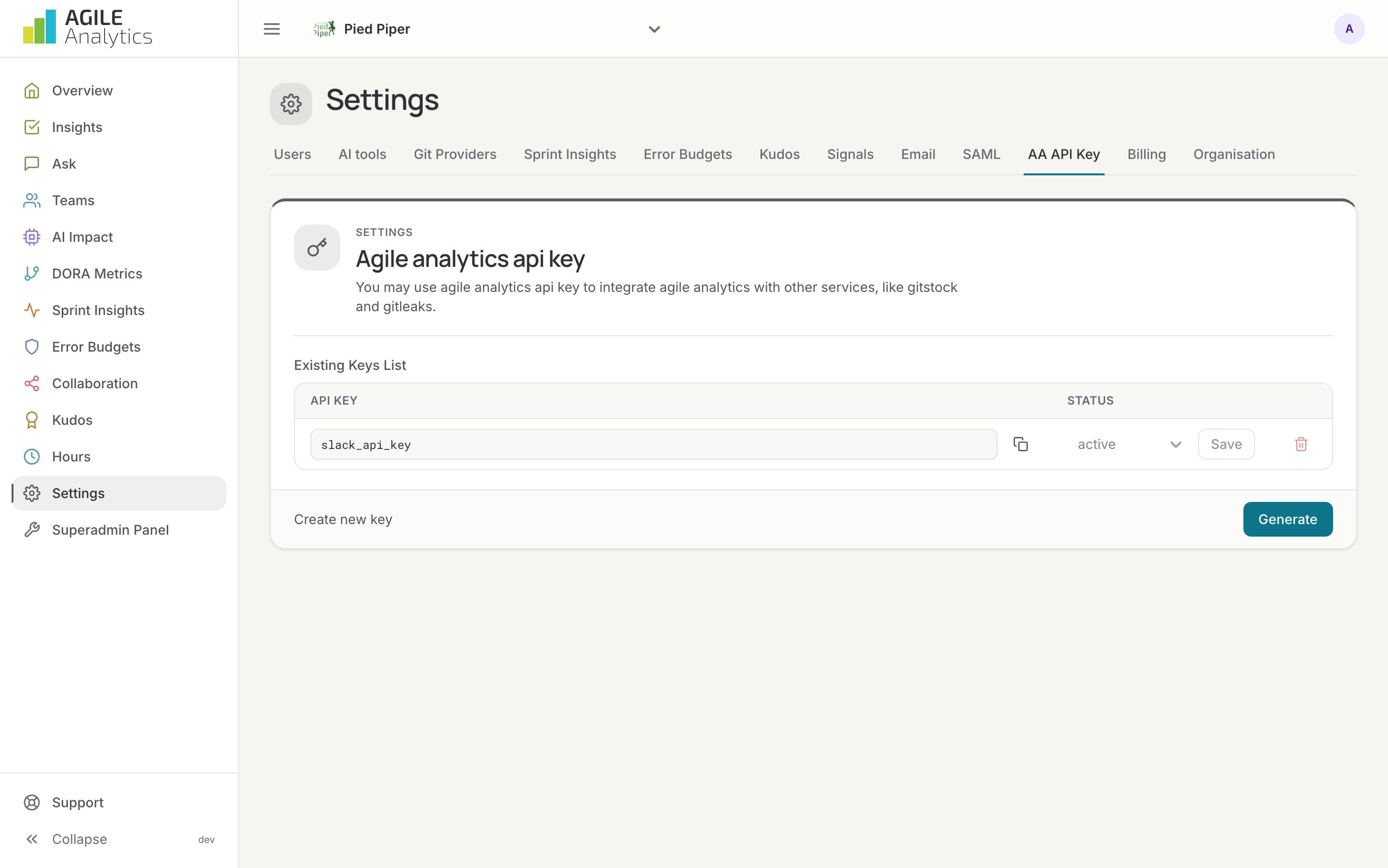
Creating a key
- Go to Settings → AA API Key.
- If the list already holds an active key you may use it; otherwise press Generate.
- Copy the key and keep it somewhere safe. Anyone with the key can read your organisation's data.
An organisation can have up to ten keys. Each one can be switched to inactive and back, or deleted; at least one key must remain.
Disabling or deleting the key the Slack app uses stops kudos, signals and the bot's answers. Generate a new key and reconnect Slack before removing the old one.
Using the API
Send the key in the Authorization header. The API is described in the OpenAPI specification at api.prod.agileanalytics.cloud/docs.