Documentation menu
Getting started
From nothing to a first engineering health score in an afternoon: create your organisation, connect your tools, invite your team.
Try it first
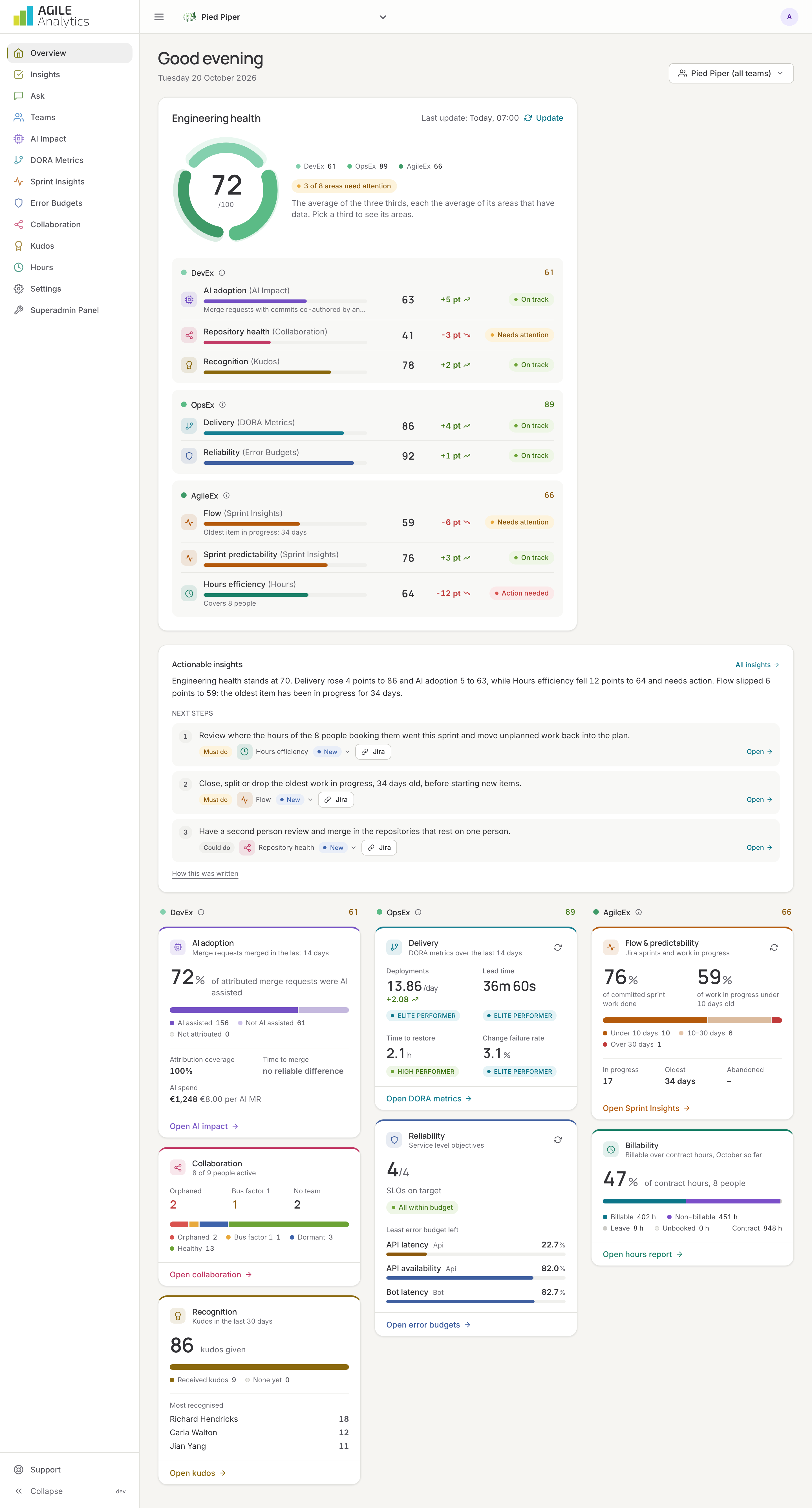
Not sure yet? Take the free tour: an e-mail address is enough, no account needed. The tour walks you through a demo organisation, Pied Piper, with real-looking data on every page.
1. Create your organisation
- Go to the sign-up page. Sign up with Google or Microsoft, or with an e-mail address and a password.
- The app opens Get started with your own organisation. Give the organisation a name; it must be unique. The questions about your role, your goal and the tools you use are optional and help us set you up; accept the terms and press Create.
- You are the admin of the new organisation and land on the overview, which shows a checklist instead of a score until the first tools are connected.
Every new organisation starts with a free trial of the full product; see Plans.
2. Connect your tools
Each connection fills part of the app. Start with Git; everything else can follow later.
| Connect | Fills | How |
|---|---|---|
| Git provider and repositories | DORA metrics, AI impact, Collaboration, team repositories | GitHub, GitLab or Bitbucket Cloud, then Repositories and groups |
| Jira | Sprint insights, flow and predictability, cycle time, inferred hours, Jira issues from insights | Connect Jira |
| Slack | Kudos, signals, the bot | Connect Slack |
| Monitoring | Error budgets, reliability, change failure rate from SLO alerts | Google Cloud Monitoring or AWS CloudWatch |
| AI tools | AI cost and return | Settings → AI tools for licences; Connect AI vendors for usage |
After connecting Git or Jira, press Import history on the connection's card so the dashboards start with this year's data instead of waiting for new events.
3. Invite your team
Invite everyone whose work should count, with the right role, and set their working days: Invite your team. With single sign-on, nobody needs an invitation: SAML single sign-on.
4. Create teams
Group people, repositories, services and Jira boards into teams, so every number can be read per team and every member gets their team's weekly overview: Teams.
5. Read your first report
The engineering health report is made every night. Press Update on the overview to make the first one now, then read the actionable insights under the score: they tell you what to do next. Switch on the weekly e-mail and the Slack signals so the report comes to you: E-mail and signals.
Finding your way
- The period at the top of every page sets the window for all numbers: quick choices such as the last 14 days, your sprints, or any range.
- Start the tour under your avatar replays the guided tour on your own data.
- Support at the bottom of the sidebar sends us a message with a screenshot of what you see.