- Welcome to the Agile Analytics Full Stack Documentation
- 🛠 Getting Started
- General
- [Jira] Connect Agile Analytics to Jira
- [GitLab] Connect Agile Analytics to your GitLab
- [Bitbucket] Connect Agile Analytics to your Bitbucket
- [GitHub] Connect Agile Analytics to your GitHub
- Add repositories to Agile Analytics
- Sprints management
- SAML
- Migration Bug: Post-Mortem
- Add users to your organisation
- Features
🛠 Getting Started
Not sure where to begin? Start here:
To start using Agile Analytics you need to sign up and create your organisation.
-
Go to sign up page
-
Fill in the form and give your organisation a name (it must be unique). Click “Create”.
-
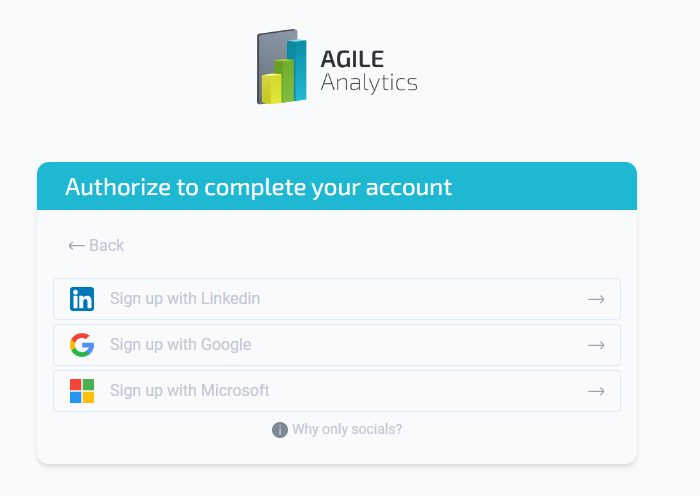
Authorise to complete your account.
Setting up your account
Follow the tips on the screen to set up all the integrations, required for the feature to work, or go to theFeatures list and pick the feature you’d like to set up for detailed instructions.

Other Agile Analytics essentials
Authorisation with SAML
Read more on SAML autorisation in Agile Analytics: SAML
Sprints management
Read more on sprints management in Agile Analytics: Sprints management