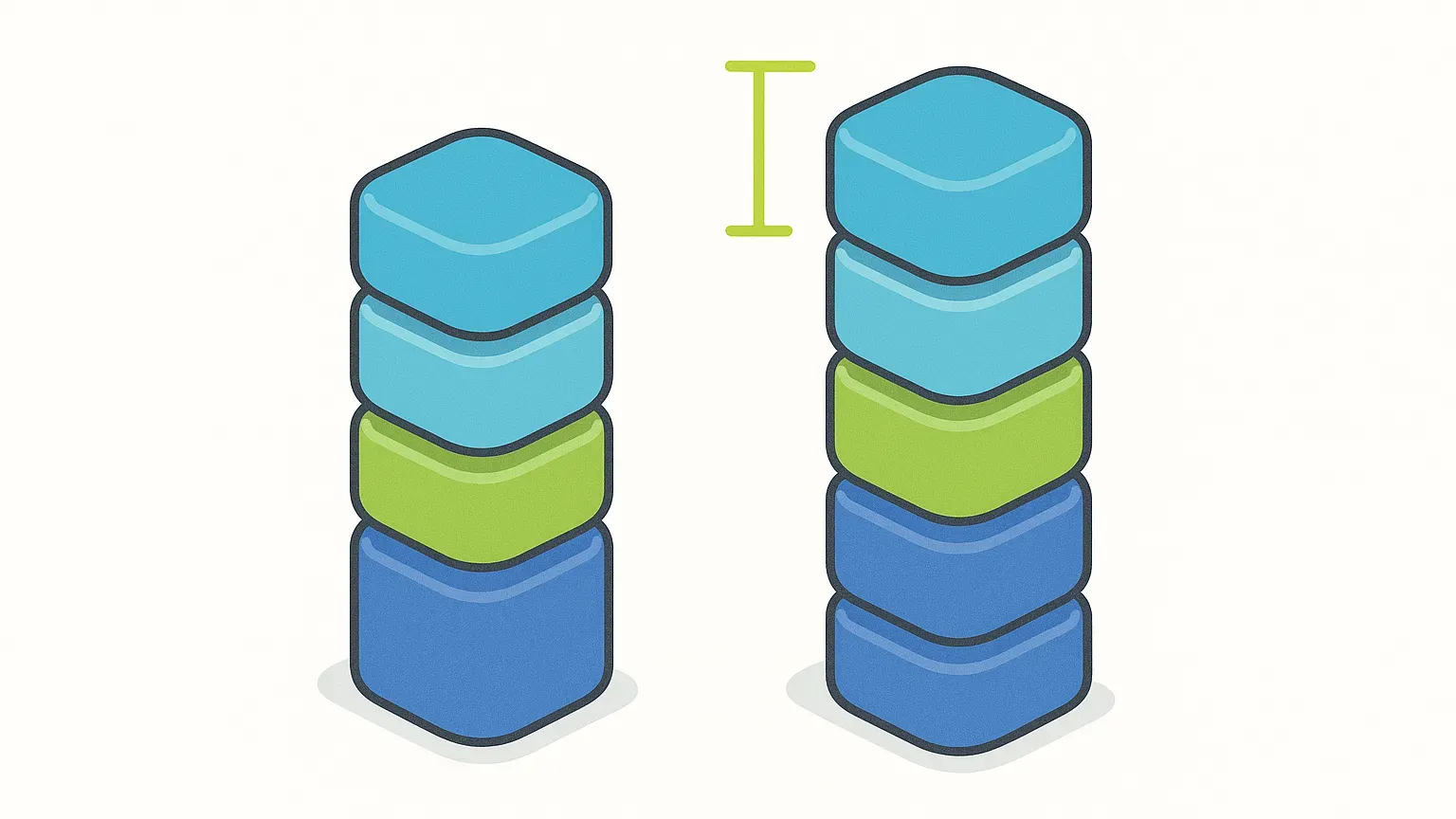
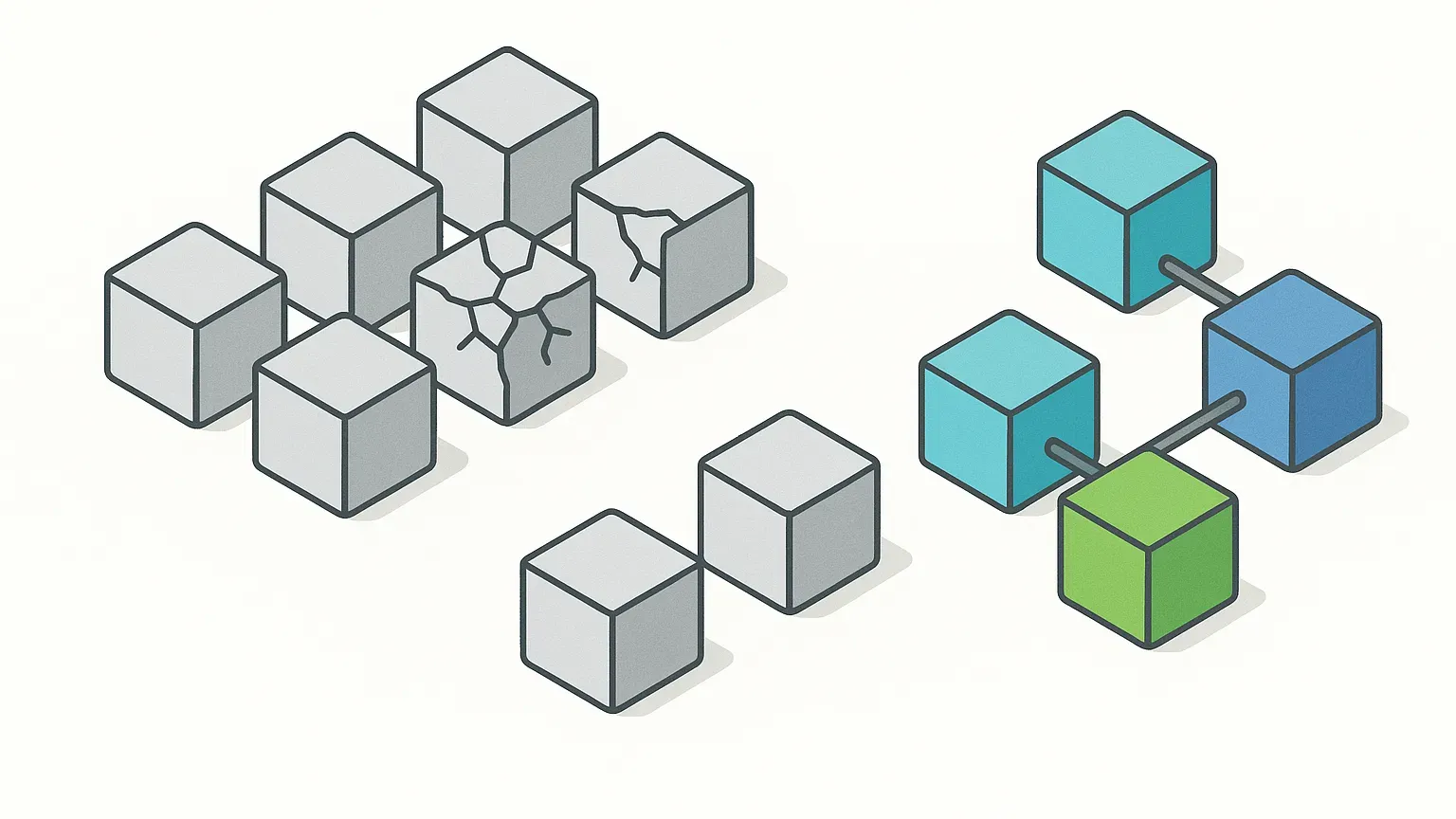
SonarCloud is great at detecting issues — code smells, bugs, vulnerabilities, and coverage gaps. But most teams treat it as a reporting tool, not an active participant in the delivery pipeline. The result? Issues pile up until a developer manually sifts through them.
By combining SonarCloud with AI-driven automation, we can go further: turning static analysis into auto-remediation workflows.
Why AI Belongs in Code Quality Feedback
SonarCloud already integrates tightly with CI/CD (the automated build, test and release of every change). Every commit, branch, or pull request (a proposed code change awaiting review) can be analysed. But it stops short at the critical last mile: providing the fix.
AI bridges that gap. Instead of handing developers a list of problems, an AI agent can:
-
Parse SonarCloud’s JSON API results.
-
Apply “go-to fixes” for common issues.
-
Push patches directly as GitHub/GitLab pull requests.
-
Learn from repo history to improve suggestions over time.
This shifts SonarCloud from reactive monitoring to proactive fixing.
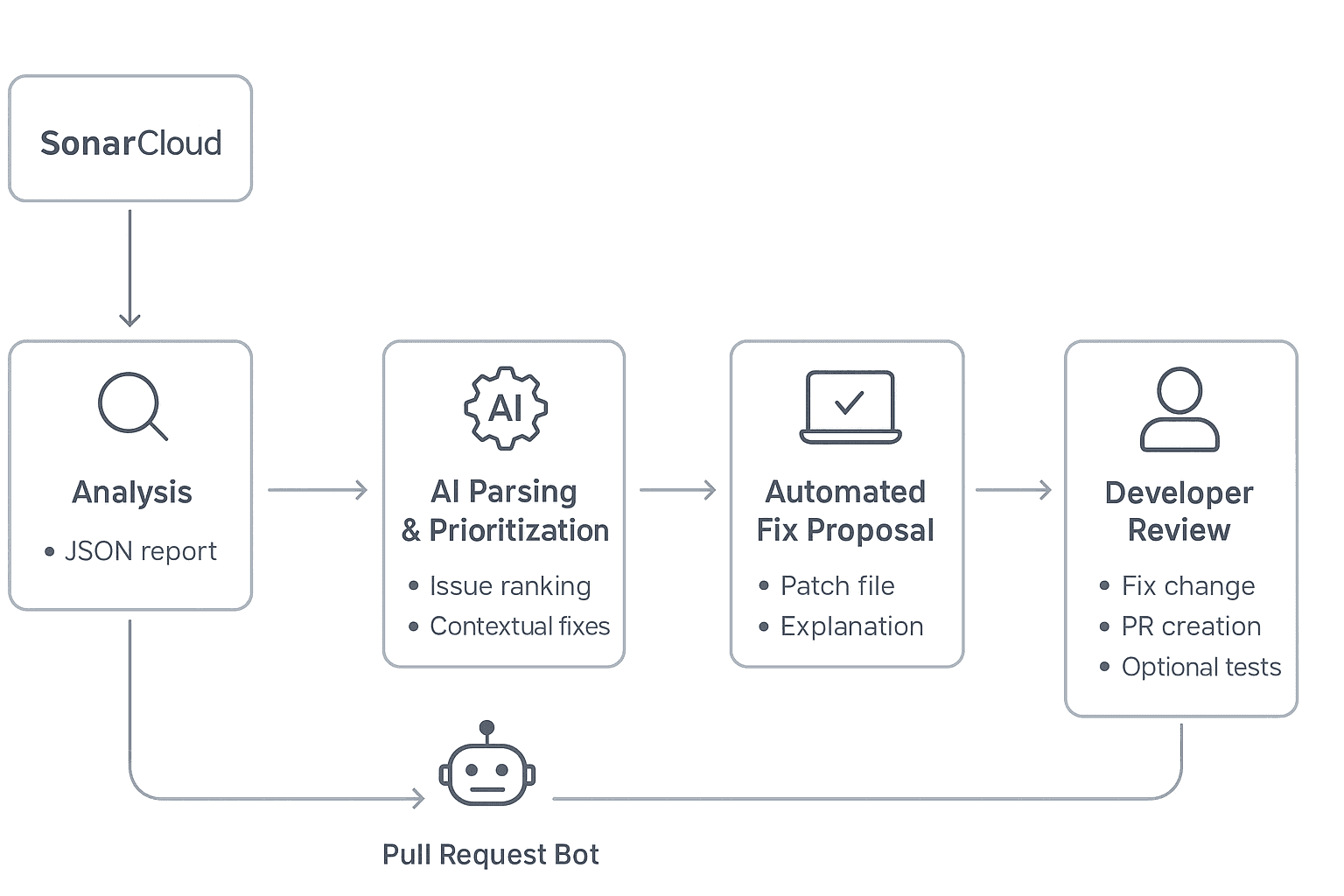
Technical Workflow: SonarCloud + AI Agent
Here’s a real-world use case showing how the integration works:
1. Analysis
-
SonarCloud runs in the CI pipeline, generating a report of issues (e.g., code smells, vulnerabilities).
-
The JSON report is exported via SonarCloud Web API.
2. AI Parsing & Prioritisation
-
An AI agent (LLM or custom model) reads the report.
-
Issues are ranked by severity (blocker > critical > minor).
-
Context from the repository is loaded, so fixes align with coding style.
3. Automated Fix Proposal
-
For each match, the AI applies a fix:
-
Unused imports → auto-remove.
-
SQL injection risk → parameterised query patch.
-
Hardcoded secrets → move to .env and replace reference.
-
-
The AI generates a patch file + explanation.
4. Pull Request Bot
-
A bot creates a new branch, applies changes, and opens a PR.
-
PR includes:
-
The SonarCloud issue ID.
-
The proposed fix.
-
Optional unit tests to validate the fix.
-
5. Developer Review
- Developers review and merge, focusing on validation instead of boilerplate fixes.
Example Use Case: Outdated Dependency Vulnerabilities
SonarCloud flags:
High: Vulnerable version of lodash detected in package.json (<= 4.17.19)
Traditional Flow (manual):
-
Developer notices the SonarCloud alert.
-
Searches npm security advisories.
-
Updates
package.jsonmanually. -
Runs
npm install && npm test. -
Fixes breaking changes if they occur.
-
Pushes new branch → opens PR → waits for review.
AI–SonarCloud Enhanced Flow:
-
SonarCloud raises an issue → AI instantly consumes the alert with vulnerability context.
-
AI cross-references advisories → finds patched version (lodash 4.17.21).
-
AI generates a patch automatically:
-
Updates
package.jsondependency. -
Runs a containerised build/test locally (CI sandbox) to validate compatibility.
-
Detects that one deprecated lodash function (
_.flattenDeep) was removed in the latest release. -
Suggests/auto-refactors the code by replacing it with the modern equivalent or native JS method.
-
-
AI updates docs & changelog:
Adds CHANGELOG.md entry:
Updated lodash from 4.17.19 → 4.17.21 to address security vulnerability (SonarCloud issue #SC-456).
Updates README if usage changes.
- Pull Request created automatically:
1Fix: Upgrade lodash dependency to v4.17.21 (security patch)
2- Updated vulnerable lodash version
3- Refactored deprecated _.flattenDeep usage
4- All unit tests & integration tests passed - Developer only reviews & merges.
✅ Result:
-
Fix delivered in minutes, not days.
-
No time wasted manually researching or troubleshooting dependency updates.
-
Confidence boost: build/test validated before human review.
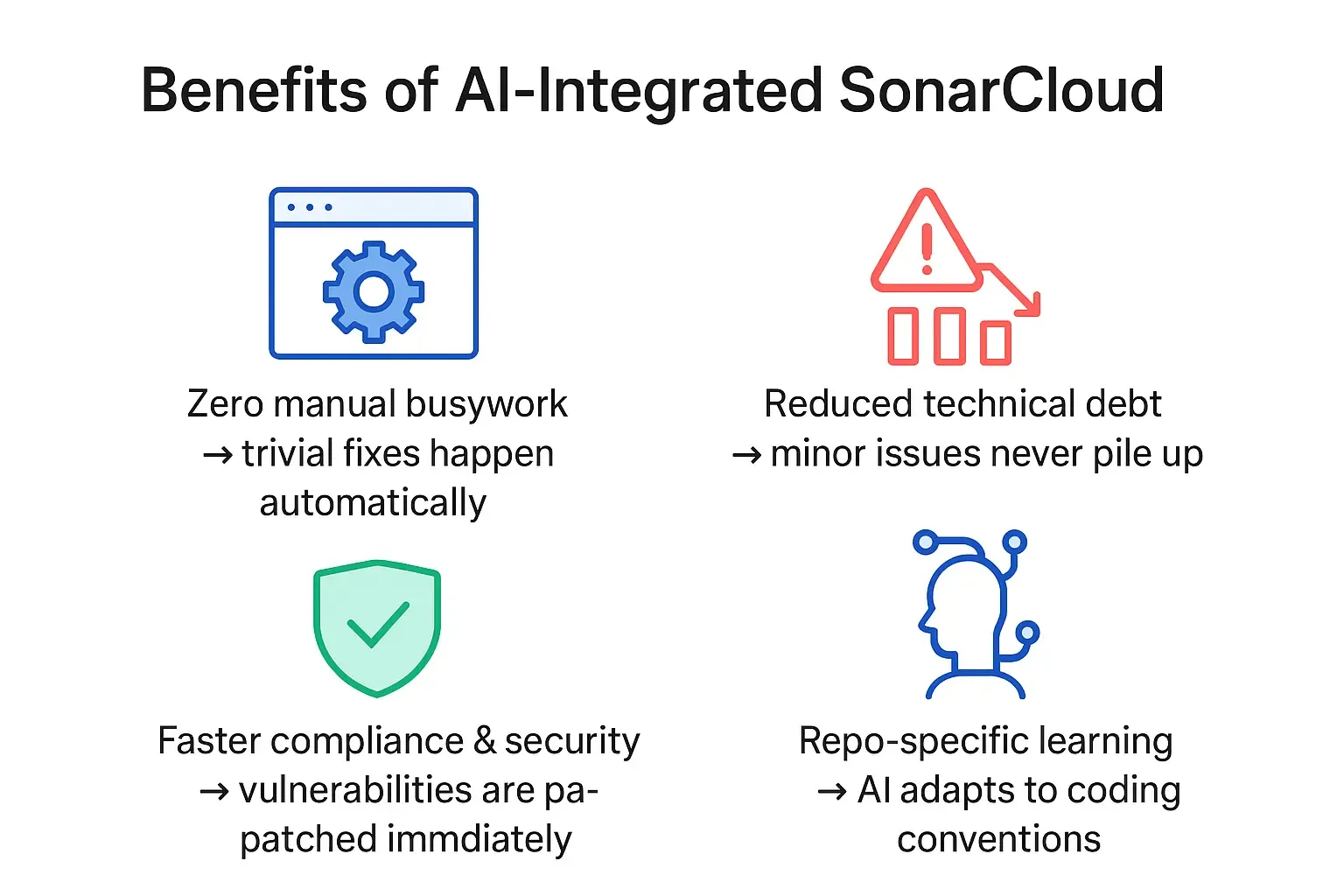
The Future: Self-Healing Pipelines
SonarCloud + AI transforms static analysis into self-healing pipelines:
-
Issues are detected.
-
Fixes are generated.
-
Patches are submitted.
-
Developers approve.
It’s not just about knowing where the problems are — it’s about fixing them before they ever block delivery.

Less guessing. More shipped software.
Measure faster — lead time, review wait and deployment frequency per team, every sprint
Guard quality — change failure rate, MTTR and Error Budgets
Prove the gain — feature work versus maintenance, from your own data
See it in 30 minutes — on your own data, not a slide deck