When AI Doesn’t Help — Pitfalls, False Positives & How to Detect Them Early

Published on 12 February 2026 by Zoia Baletska
AI coding tools are now part of everyday software development. Autocomplete, AI code generation, PR summarisation, and test creation — for many teams, these tools are already embedded in daily workflows. Yet despite widespread adoption, the real impact of AI on software teams remains uneven.
Some organisations report meaningful gains. Others quietly struggle with unexpected side effects. And many simply don’t know which camp they fall into.
The previous articles in this series covered how to measure AI adoption, how to track output and quality, and how AI affects developer experience (how easy the daily work of building software is). The last one combined those signals into a responsible AI impact dashboard. This article focuses on the less comfortable side of the story: what happens when AI doesn’t help — and how to detect that early, before damage accumulates.
The hidden risk: AI creates convincing false positives
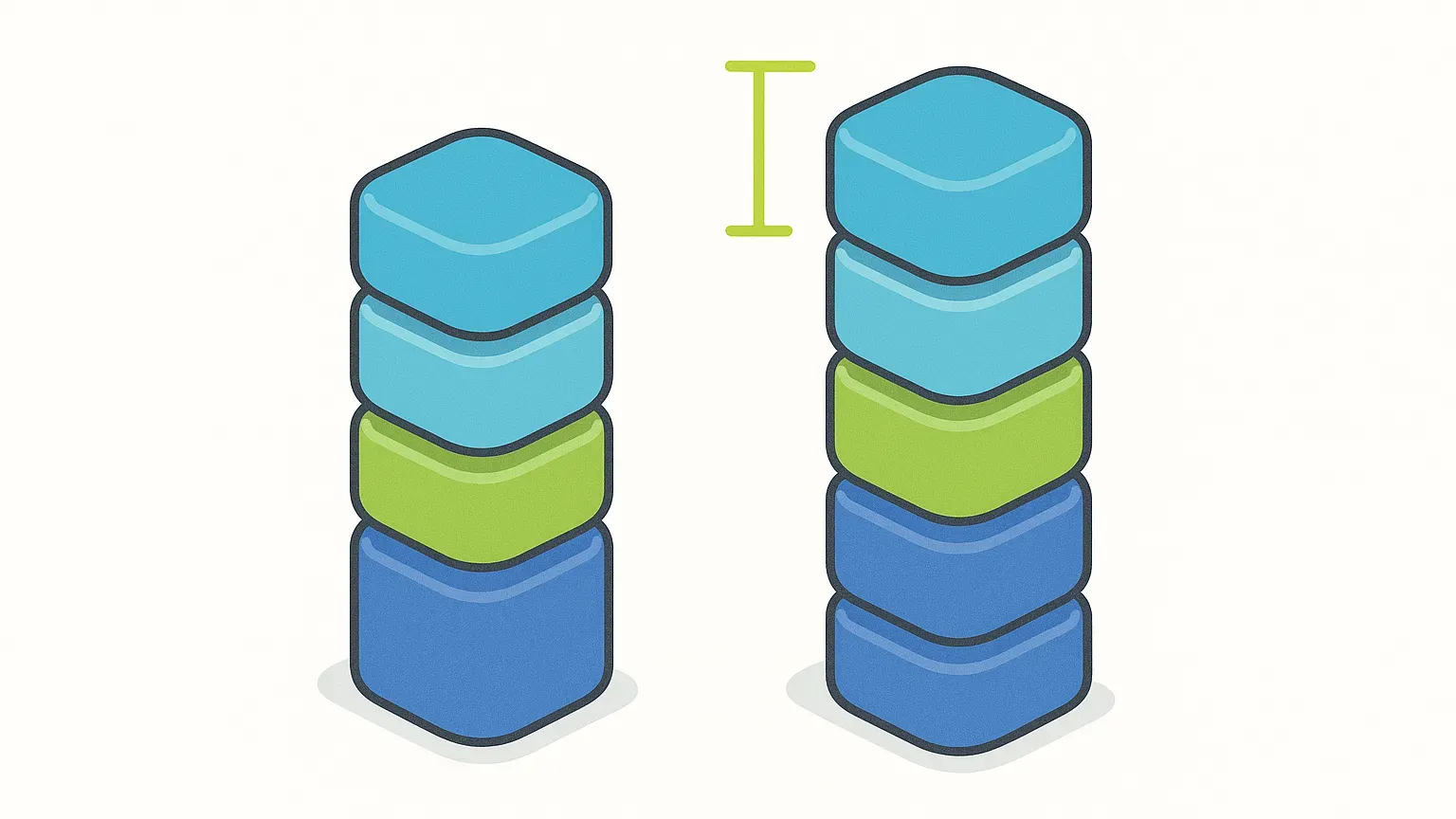
One of the hardest things about measuring AI impact is that failure often looks like success at first glance. AI-generated code usually compiles. It often passes tests. It can even reduce cycle time (from first commit to merged) and increase throughput (items finished per week) in the short term. Dashboards turn green, and adoption curves trend upward.
But AI’s most dangerous failure modes are subtle. They don’t break builds or crash production immediately. Instead, they shift effort downstream, erode quality gradually, and increase cognitive load in ways that standard metrics struggle to capture.
The real risk is not that AI fails — it’s that AI fails quietly, while teams interpret surface-level improvements as proof of success.
When speed hides rework
A common early pattern after introducing AI tools is a noticeable increase in delivery speed. Pull requests are created faster. Boilerplate disappears. Simple features move quickly from idea to merge. On paper, this looks like progress.
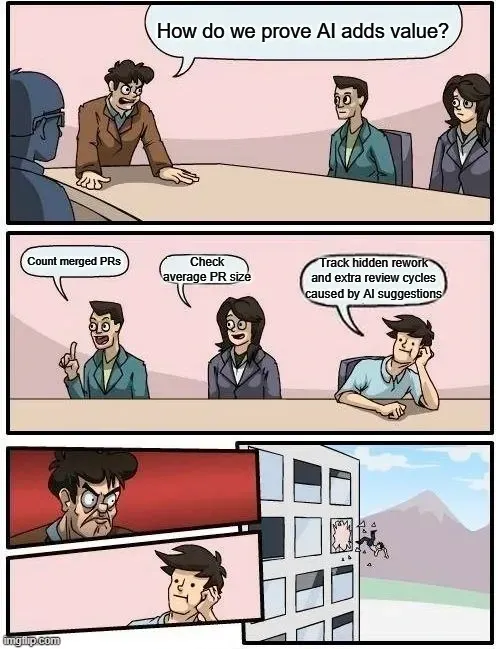
Over time, however, some teams start to notice a second-order effect. Follow-up fixes become more frequent. PRs (a proposed code change awaiting review) that initially seemed “done” require adjustments after merge. Review comments increase in volume and complexity, often focused on edge cases or architectural concerns that were missed during generation.
This happens because AI tends to optimise for local correctness, not long-term system coherence. It solves the immediate task well, but often lacks awareness of historical decisions, domain constraints, or implicit conventions that experienced engineers carry in their heads.
To detect this early, teams should look beyond raw throughput. Rising rework, increased revert rates, or growing volumes of fix-only changes are strong signals that AI may be shifting work rather than removing it. If cycle time improves but system stability does not, the gains are likely temporary.
The slow erosion of domain knowledge
Another subtle failure mode is the gradual replacement of domain-specific logic with generic, pattern-based code. AI tools are trained on broadly applicable solutions, not on the unique language, constraints, or edge cases of your product.
Over time, this can lead to code that technically works but feels “thin.” Variable names become less expressive. Business concepts are abstracted away. PR descriptions focus on mechanics rather than intent. Senior engineers may begin asking more clarifying questions, not because the code is wrong, but because its meaning is harder to infer.
This erosion is dangerous because domain knowledge is one of the hardest things to rebuild once lost. When code stops reflecting how the business actually works, onboarding slows down, bugs become harder to reason about, and architectural decisions lose context.
Early detection here relies on a mix of signals. Quantitatively, teams may see reduced documentation density or less descriptive naming. Qualitatively, experienced developers often express discomfort long before metrics change. Listening to those signals — and taking them seriously — is critical.
Security and compliance don’t fail loudly
Security and compliance risks introduced by AI are rarely obvious at the moment code is written. AI may generate insecure defaults, mishandle sensitive data, or suggest patterns that violate internal policies. Worse, it may confidently generate code that appears compliant while subtly breaking rules.
These problems typically surface late: during audits, penetration tests, or incidents. At that point, the cost of correction is high.
Teams that measure AI impact responsibly treat security as a first-class signal. They don’t assume AI is safe by default. Instead, they track how often AI-assisted code triggers security findings, monitor changes in static analysis results after AI rollout, and establish clear boundaries around where AI-generated code is allowed.
When AI usage increases alongside security exceptions or policy violations, that correlation should never be ignored.
Over-reliance and the quiet flattening of skills
AI removes friction — and that is precisely why it can become dangerous for long-term skill development. Friction is often where learning happens. When AI consistently fills in gaps, developers may stop practising problem decomposition, architectural reasoning, or exploratory debugging.
This effect is rarely immediate. It shows up months later as slower onboarding, reduced confidence in unfamiliar areas, and PRs that rely heavily on generated code without a clear understanding of trade-offs. Junior developers may progress more slowly than expected. Senior developers may spend more time correcting than mentoring.
Detecting this requires looking beyond delivery metrics. Surveys about learning, mastery, and confidence are essential. So is observing how review conversations evolve. When approvals become faster but discussions become shallower, teams should pause and ask why.
AI should accelerate learning, not replace it.
When “better metrics” coexist with a worse experience
Perhaps the most dangerous scenario is when AI improves output metrics while developer experience deteriorates. Teams ship faster, but developers feel more exhausted, less focused, and more frustrated.
AI can introduce prompt fatigue, constant context-switching, and the mental overhead of validating machine output. Even when AI suggestions are helpful, they require cognitive effort to assess — and that effort compounds over time.
If teams measure only speed and volume, they will miss this entirely. That’s why developer experience metrics are not optional in AI adoption. Tracking cognitive load, flow disruption, and burnout indicators allows organisations to see when productivity gains are coming at an unsustainable human cost.
If AI increases throughput while harming experience, the improvement is fragile — and likely to reverse.
AI must be treated as an ongoing experiment
Across public research and real-world deployments, one pattern is consistent: AI impact is highly contextual. What helps one team may hurt another. What works today may stop working as codebases evolve.
Successful organisations treat AI adoption as an experiment, not a one-time decision. They maintain comparison baselines where possible, combine quantitative data with qualitative feedback, revisit assumptions regularly, and remain willing to adjust or constrain AI use when signals turn negative.
Failure, by contrast, usually comes from overconfidence: assuming adoption equals value, measuring only what’s easy, and ignoring trust and experience.
Faster is not better if it’s brittle
AI does not fail like a broken build. It fails like technical debt — slowly, quietly, and convincingly.
That’s why measurement matters. Not to justify AI investment, but to challenge it honestly. The goal isn’t to prove that AI works. The goal is to know when it doesn’t — and why.
Teams that detect false positives early can course-correct, protect developer experience, and turn AI into a genuine multiplier. Teams that don’t risk mistaking speed for progress.
At Agile Analytics, we believe the difference lies not in which tools you adopt, but in what you choose to measure — and what you’re willing to question.
Less guessing. More shipped software.
Measure faster — lead time, review wait and deployment frequency per team, every sprint
Guard quality — change failure rate, MTTR and Error Budgets
Prove the gain — feature work versus maintenance, from your own data
See it in 30 minutes — on your own data, not a slide deck